





What are key tips for safely managing game mods & engaging with communities?

Game modifications, or ‘mods,’ can vastly enhance your gaming experience, adding new content, improving graphics, or even creating entirely new gameplay mechanics. However, venturing into the world of modding also comes with potential risks, from game instability to security vulnerabilities. Similarly, engaging with online modding communities requires a mindful approach to ensure a positive and secure interaction. This guide outlines key tips for safely managing your game mods and fostering constructive community engagement.
Mastering Safe Mod Management
The first step to a successful modding journey is prioritizing safety and stability. A little preparation goes a long way in preventing headaches.
1. Source Your Mods Wisely
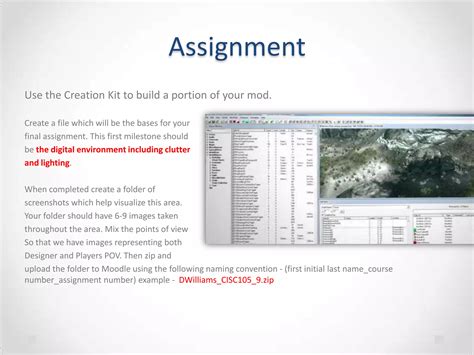
- Reputable Websites: Always download mods from well-known and trusted platforms like Nexus Mods, Mod DB, Steam Workshop, or official developer forums. These sites typically have moderation and user review systems that help identify problematic files.
- Read Reviews & Comments: Before downloading, check user reviews, comments, and bug reports. Look for active communities and developers who consistently update their mods and respond to feedback.
- Scan Downloaded Files: Use a reliable antivirus program to scan all downloaded mod archives (ZIP, RAR, 7z files) before extraction or installation. This can help catch potential malware hidden within seemingly innocent files.
2. Backup Your Game Files
Before installing any mod, especially large or complex ones, always back up your game’s save files and, ideally, the entire game directory. This provides a safety net, allowing you to revert to a working state if a mod causes crashes, corruption, or other issues.
3. Understand Installation Instructions & Compatibility
- Read the Mod Description: Thoroughly read the mod page for installation instructions, system requirements, and known incompatibilities with other mods. Many issues arise from users skipping this crucial step.
- Check for Dependencies: Some mods require other ‘framework’ mods or specific game versions to function. Ensure you have all necessary prerequisites installed.
- Mod Load Order: For games with many mods, load order can be critical. Tools like LOOT (Load Order Optimisation Tool) for Bethesda games can help manage this, but always consult mod pages for specific recommendations.
4. Utilize Mod Managers
For games with extensive modding scenes (e.g., Skyrim, Fallout, Mount & Blade), dedicated mod managers (like Vortex, Mod Organizer 2, or similar game-specific tools) are invaluable. They streamline installation, manage load orders, track conflicts, and make uninstallation much cleaner, reducing the risk of permanent game file corruption.

Engaging Safely with Modding Communities
Modding communities are vibrant hubs of creativity and collaboration. Engaging with them positively enriches your experience, but it’s important to do so securely and respectfully.
1. Choose Reputable Communities
- Official Forums & Discord Servers: Stick to official game forums, Discord servers linked from official sources, or well-established modding communities. These are generally better moderated and have clearer rules.
- Beware of Shady Sites: Avoid obscure forums or download sites that seem to promise exclusive or cracked content, as these are often breeding grounds for malware and scams.

2. Practice Good Netiquette and Respect
- Be Polite and Constructive: When asking for help or providing feedback, be polite and clear. Remember that modders often create content in their free time.
- Search Before Asking: Many common questions are already answered. Use the search function on forums or mod pages before posting a new query.
- Respect Modder’s Terms: Some modders have specific terms of use regarding their work, such as not re-uploading, monetizing, or incorporating into other projects without permission. Always respect these.
3. Protect Your Personal Information
- Never Share Personal Details: Avoid sharing real names, addresses, phone numbers, or other sensitive personal information in public forums or with strangers in DMs.
- Be Wary of Links: Don’t click on suspicious links shared by unknown users, especially those promising free items or game keys. They could be phishing attempts or lead to malicious websites.
4. Recognize and Report Problematic Behavior
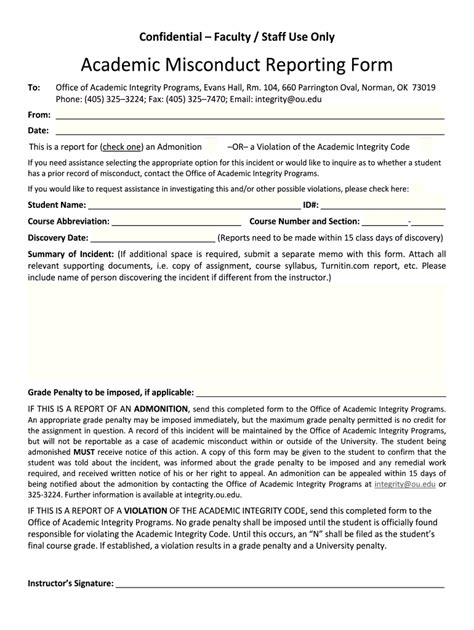
If you encounter harassment, scams, malware attempts, or other rule violations, report them to the forum moderators or community administrators. Most reputable platforms have clear reporting mechanisms in place to maintain a safe environment for everyone.
Conclusion
Modding can open up entirely new dimensions to your favorite games, offering countless hours of extended gameplay and customization. By following these key tips for safe mod management – sourcing carefully, backing up, reading instructions, and using mod managers – you can minimize risks and enjoy a stable experience. Simultaneously, by engaging with modding communities respectfully and cautiously, you contribute to a positive environment for all, ensuring the vibrant world of game modding continues to thrive safely.

