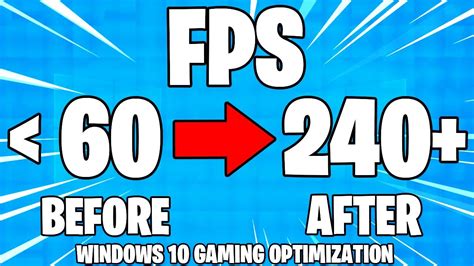

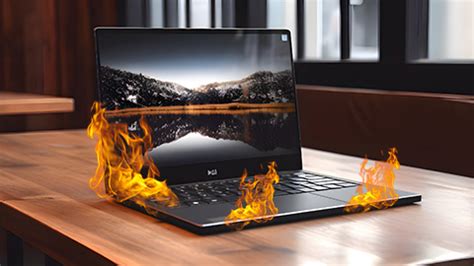



My gaming PC gets hot and FPS drops. How can I improve cooling and prevent thermal throttling?
Learn effective strategies to improve your gaming PC’s cooling, prevent thermal throttling, and maintain stable FPS during intensive gaming sessions.
Effectively updating game reviews after major patches or DLC releases requires a strategic and transparent approach to maintain relevance and fairness for readers.
Discover the ideal combination of text, video, and screenshots to create comprehensive and engaging gaming walkthroughs that cater to diverse player preferences.
Discover the top graphics card upgrades for achieving maximum FPS in 1440p esports gaming, balancing performance, price, and competitive advantage.
Stay ahead of the curve in the fast-paced gaming world by utilizing a combination of dedicated news sites, social media, community forums, and specialized apps to track urgent updates, new releases, and crucial patch information.
Discover the most effective and affordable character builds that new players can easily assemble to compete in the current game season’s meta.
Navigating the ever-shifting landscape of a game’s meta after a significant patch requires strategic adaptation to ensure your character builds remain competitive and effective.
Ensuring your gaming monitor’s refresh rate is correctly configured in Windows is crucial for achieving the smoothest gameplay and maximizing your frames per second.
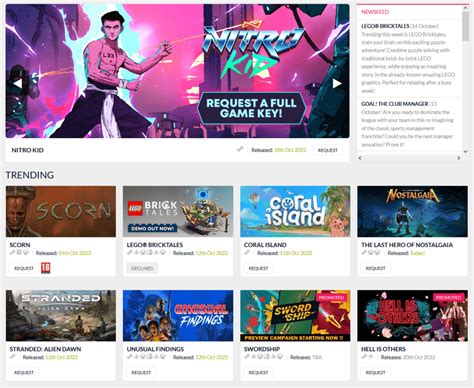
To elevate indie game spotlights, we must integrate enhanced discoverability tools with vibrant player engagement strategies, ensuring hidden gems find their audience and foster lasting communities.
Discover the various pathways and strategies amateur players can leverage to catch the attention of professional Esports teams, from mastering their game to building a strong online presence.