





How to prevent gaming PC overheating & performance drops during intense sessions?
The Critical Need for Optimal PC Cooling
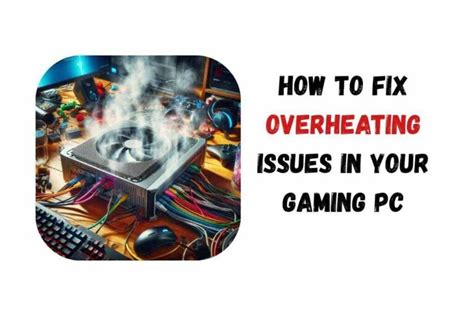
Intense gaming sessions push your PC hardware to its limits, generating significant heat. When components like your CPU and GPU get too hot, they automatically reduce their clock speeds – a process known as thermal throttling – to prevent damage. This throttling directly translates to frustrating performance drops, stuttering gameplay, and a less enjoyable experience. Preventing overheating is not just about performance; it also extends the lifespan of your valuable components. Let’s delve into actionable strategies to keep your gaming rig frosty.
Mastering Your PC’s Airflow and Case Setup
Effective airflow is the foundation of a cool PC. It’s about getting cool air in and hot air out efficiently. Start by understanding your case’s fan configuration: generally, front and bottom fans act as intake, while rear and top fans serve as exhaust. Ensure you have a balanced pressure system – slightly positive pressure (more intake than exhaust) helps prevent dust buildup. Cable management is also crucial; neatly routed cables improve airflow by not obstructing paths. Finally, regular dust cleaning, especially of fan blades and heatsinks, prevents layers of insulation from forming.
Upgrading and Maintaining CPU & GPU Cooling
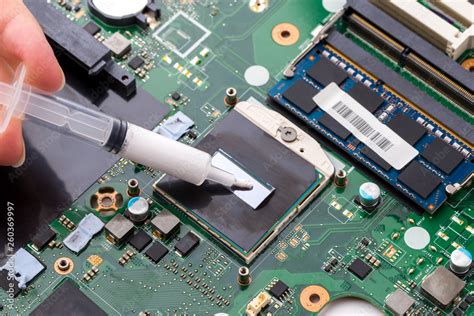
Your CPU and GPU are the primary heat generators. For the CPU, consider upgrading from a stock cooler to a more robust air cooler or an All-In-One (AIO) liquid cooler. Proper installation of your CPU cooler, including an even application of high-quality thermal paste, is vital for efficient heat transfer. For your GPU, while aftermarket cards usually have good cooling, you can often tweak fan curves using software like MSI Afterburner to be more aggressive under load. Some users also explore undervolting their GPU, which can reduce power consumption and heat without significantly impacting performance.

Software Solutions and System Optimization
Hardware is only part of the equation; software plays a significant role. Utilize monitoring tools like HWMonitor, HWiNFO, or CAM to keep an eye on your CPU and GPU temperatures, fan speeds, and clock rates in real-time. Many motherboards offer BIOS settings to customize fan curves, or you can use third-party utilities. Ensure your graphics drivers are always up to date, as new versions often include performance and thermal optimizations. Limiting in-game frame rates to your monitor’s refresh rate (e.g., using V-Sync or an FPS cap) can also reduce unnecessary GPU strain and heat generation.
Environmental Factors and PC Placement
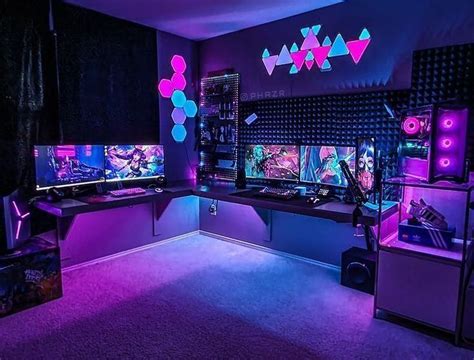
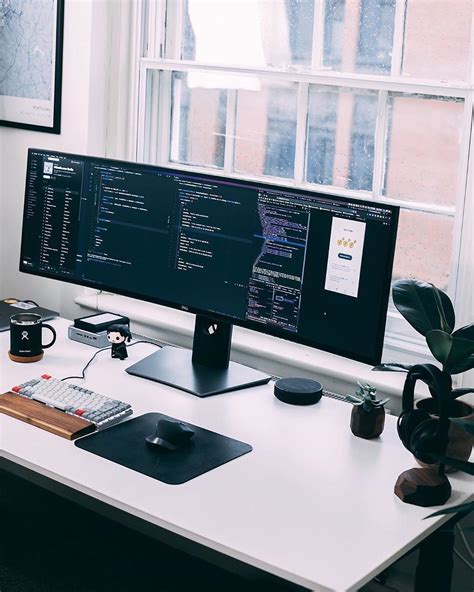
The ambient temperature of your room directly impacts how effectively your PC can cool itself. A cooler room means cooler intake air. Also, consider your PC’s placement. Avoid placing it in enclosed spaces like cramped desk cubbies or right against a wall. Ensure there’s ample space around the case for air to flow freely, especially around intake and exhaust vents. Keeping your PC off carpets can also improve airflow by preventing dust intake and allowing the power supply fan to draw air more easily.
Long-Term Maintenance and Advanced Tips
Regular maintenance is key to sustained performance. Beyond dusting, consider reapplying fresh thermal paste to your CPU every few years, as it can dry out and become less effective. If you have an older CPU or GPU, consider upgrading to more efficient components that generate less heat. For those comfortable with more advanced tweaks, some enthusiasts delid their CPUs (removing the integrated heat spreader) to replace the stock thermal interface material with liquid metal, significantly improving temperatures. While this is an advanced modification, it showcases the lengths to which some go for optimal cooling.
Conclusion
Preventing your gaming PC from overheating during intense sessions is a multi-faceted task, combining proper hardware setup, diligent maintenance, and smart software utilization. By optimizing your case’s airflow, ensuring efficient CPU and GPU cooling, monitoring temperatures, and being mindful of your environment, you can significantly reduce the risk of thermal throttling. Embrace these practices, and your gaming PC will reward you with consistent performance, smoother gameplay, and a longer operational life, letting you focus on conquering virtual worlds without a hitch.


