





How to get instant alerts for major gaming news and critical game updates?
Staying Ahead in the Fast-Paced Gaming World
In the ever-evolving landscape of video games, staying informed is crucial for every avid gamer. Whether it’s a surprise game announcement, a critical patch addressing a major bug, an unexpected server downtime, or a highly anticipated release date, getting instant alerts can make all the difference. Missing out could mean falling behind in competitive play, losing out on limited-time events, or simply being out of the loop. Fortunately, with the right strategies, you can set up a comprehensive system to receive real-time notifications for all the gaming news and updates that matter most to you.
Leveraging Dedicated Gaming News Websites and Apps
The most straightforward way to get timely gaming news is through established gaming journalism outlets. Many prominent websites offer more than just articles; they provide dedicated apps and notification features designed to keep you informed. Sites like IGN, GameSpot, PC Gamer, Eurogamer, and Polygon frequently break news and provide in-depth coverage.
- Push Notifications: Download their mobile apps and enable push notifications for breaking stories, reviews, and major announcements. This is often the quickest way to get an alert directly to your phone.
- Email Newsletters: Subscribe to their daily or weekly email newsletters. While not instant, these often compile the most significant news, ensuring you catch anything you might have missed.
- RSS Feeds: For power users, many of these sites offer RSS feeds. You can plug these into an RSS reader (like Feedly) to aggregate news from multiple sources into one place.
Harnessing the Power of Social Media and Discord
Social media platforms have become indispensable for real-time news dissemination. Game developers, publishers, and influential gaming personalities often use these channels to make immediate announcements.
- Twitter: Follow official game accounts, developers, publishers, and reputable gaming journalists. Enable notifications for their specific tweets to receive instant alerts for major announcements like game reveals, patch notes, or server status updates.
- Discord: Join official game servers or popular gaming communities. Many developers have dedicated channels for announcements, patch notes, and community updates. You can often configure Discord notifications to ping you for specific roles or channels.
- YouTube & Twitch: Subscribe to official game channels and popular streamers/content creators. Enable notifications for new uploads or live streams, as major announcements are often made during live events or in dedicated videos.
Official Publisher and Developer Channels
The most direct source of information comes from the creators themselves. Relying solely on third-party news sites can sometimes lead to delays, so going straight to the source is often the best approach for critical updates.
- Official Websites & Forums: Bookmark the official websites and forums for your favorite games. Many developers post detailed patch notes, maintenance schedules, and important announcements here first.
- Email Lists: Sign up for newsletters directly from game publishers (e.g., PlayStation, Xbox, Nintendo, Valve, Epic Games, Activision Blizzard, Riot Games). These often contain exclusive news, upcoming event details, and critical service updates.

Utilizing Game Launchers and In-Game Notifications
For games played on PC, client launchers are a primary source of direct updates. Most modern game launchers are designed to keep you informed about the games in your library.
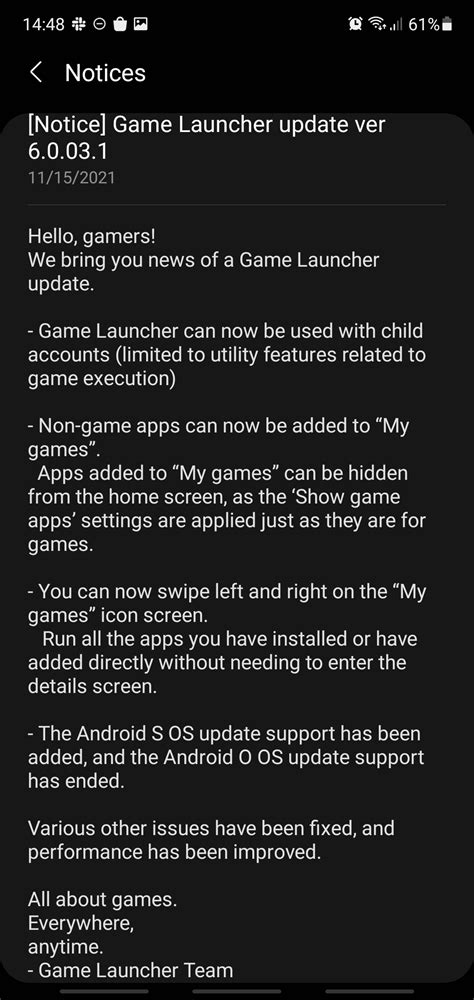
- Steam, Epic Games Store, Battle.net, etc.: These platforms often feature news sections, update logs, and direct in-client notifications for game patches, sales, and community announcements. Ensure your client settings allow for these notifications.
- In-Game Alerts: Many online games incorporate in-game notification systems that alert players to server maintenance, new events, or urgent messages directly within the game client itself.
Customizable Alert Services and Aggregators
For those who want to centralize and customize their news intake, several tools can help you create a bespoke alert system.
- IFTTT (If This Then That): This service allows you to create custom applets that trigger actions based on specific conditions. For example, you could set up an applet to send you an SMS or email whenever a specific keyword appears in an RSS feed or on a particular website.
- Google Alerts: Set up Google Alerts for specific game titles, developers, or keywords. You’ll receive email notifications whenever new content matching your criteria appears on the web.
- Dedicated Gaming News Aggregators: Apps and websites exist that pull news from various gaming sources into one feed, often allowing you to filter by game or genre.
Building Your Personal Gaming News Hub
To truly stay on top of all major gaming news and critical updates, a multi-pronged approach is most effective. Combine dedicated gaming news apps with social media notifications for breaking news, subscribe to official channels for critical developer updates, and leverage launcher alerts for game-specific information. By strategically employing these tools, you can build a robust personal gaming news hub that ensures you’re always one step ahead, ready for the next big announcement, patch, or event in your favorite games.




