





Safely find & install stable PC game mods: avoid crashes & malware?

PC game modding opens up a universe of possibilities, transforming beloved titles, extending their lifespan, and even creating entirely new experiences. From graphical overhauls and new quests to quality-of-life improvements and hilarious character swaps, mods offer unparalleled customization. However, this exciting frontier comes with inherent risks: system instability, game crashes, and the daunting threat of malware. Navigating the modding landscape safely is crucial for an enjoyable experience without compromising your PC’s health.
The Allure of PC Modding
For many gamers, the vanilla version of a game is just the starting point. Mods breathe new life into older titles, introduce features developers couldn’t or didn’t implement, and allow players to tailor their gaming experience precisely to their preferences. Imagine playing a classic RPG with updated graphics, new dialogue, or completely rebalanced combat. This endless creativity is what makes the modding community so vibrant and essential to PC gaming culture.
Navigating the Perils: Crashes & Malware
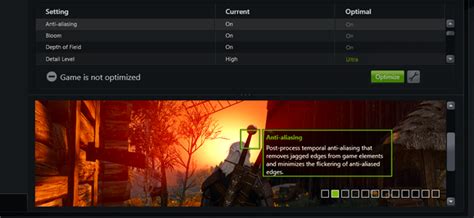
While the benefits are clear, the downsides can be severe. Improperly installed mods, incompatible versions, or poorly coded modifications can lead to frustrating game crashes, corrupted save files, or even render a game unplayable. Beyond mere instability, a more sinister threat lurks: malware. Rogue mod files can contain viruses, keyloggers, or other malicious software designed to compromise your personal data or damage your system. Understanding and mitigating these risks is paramount.
Pillars of Safe Modding: Finding Trustworthy Sources
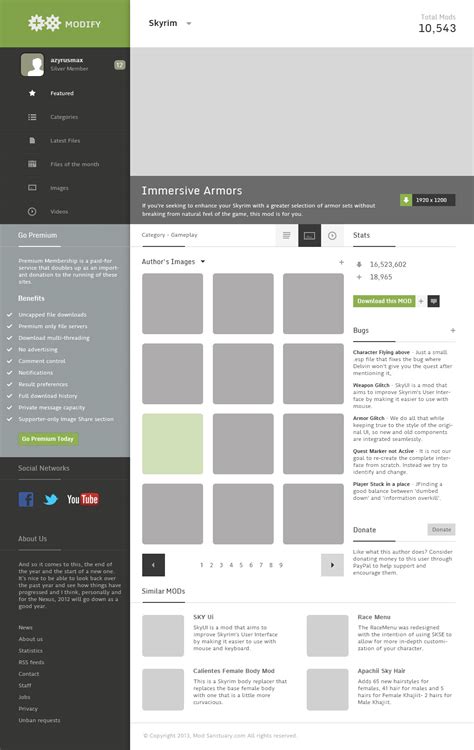
The first and most critical step in safe modding is sourcing your mods from reputable websites and communities. Avoid random file-sharing sites or forums with no moderation. Established platforms like Nexus Mods, Mod DB, and official game developer forums are generally safe havens. These sites often have robust moderation teams, user review systems, and virus scanning protocols in place.
Always check the mod’s history: how many downloads does it have? What are the user reviews like? Has the mod creator been active and responsive to bug reports? A mod with thousands of downloads and overwhelmingly positive feedback from a long-standing creator is far more trustworthy than a new upload with no history.
Smart Installation: Minimizing Risk
Once you’ve found a promising mod, responsible installation practices are key.
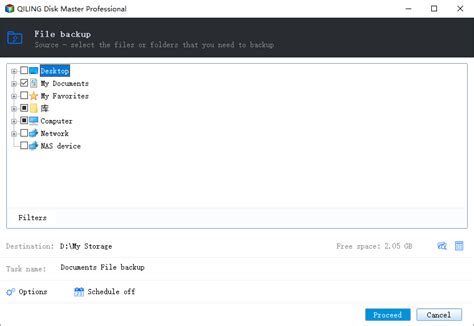
- Backup Your Game: Before installing any mod, especially for the first time, back up your game’s installation folder and your save files. This is your safety net, allowing you to revert to a working state if something goes wrong.
- Use Mod Managers: For games with extensive modding scenes (e.g., Skyrim, Fallout, Stardew Valley), dedicated mod managers like Vortex, Mod Organizer 2, or the specific manager for your game (e.g., BG3 Mod Manager) are invaluable. They streamline installation, manage load orders, and make uninstallation much cleaner than manual methods.
- Read Instructions Carefully: Never skip the mod’s installation instructions. Many mods have specific requirements, dependencies on other mods, or unique installation steps that must be followed precisely.
- Be Wary of Executables: Most mods are data files (textures, scripts, models). Be extremely cautious with mods that require running an .exe file, especially if it’s not from a highly trusted source or part of a well-known modding tool.
Maintaining Stability: Post-Installation Tips
Even with safe sourcing and careful installation, conflicts can arise. Here’s how to maintain stability:
- Install One Mod at a Time: The golden rule of modding. Install a single mod, launch the game, and ensure everything works as expected before adding another. This makes troubleshooting infinitely easier.
- Understand Load Order: Many games rely on a specific load order for mods. Mod managers usually handle this, but understanding the basics (e.g., which files should overwrite others) is beneficial. Tools like LOOT for Bethesda games can automate this.
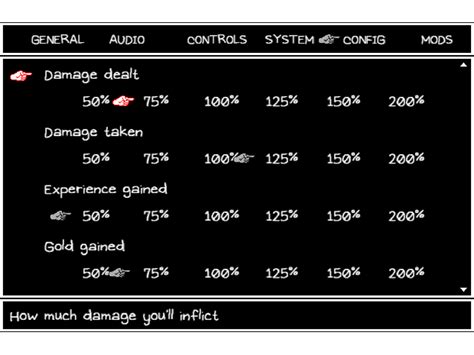
- Keep Mods Updated: Mod creators frequently update their work to fix bugs or improve compatibility. Regularly check for updates on the mod’s download page.
- Monitor Game Performance: If your game starts crashing frequently or performance degrades significantly after installing a mod, that mod is likely the culprit.
Essential Security Practices
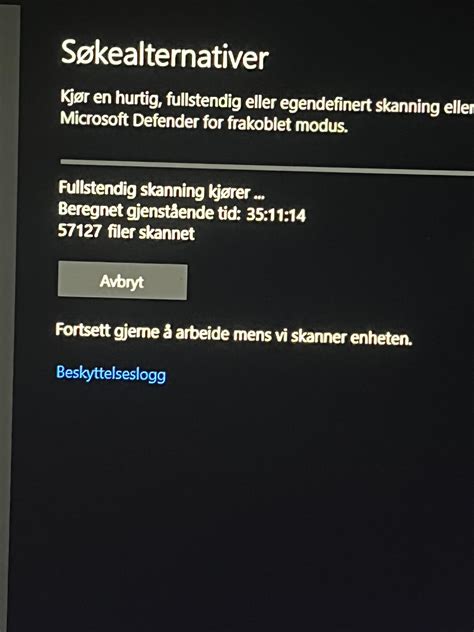
Even outside of modding, basic PC security is paramount. Ensure you have robust antivirus software installed and up-to-date. Regularly scan your system. If you download a mod and feel uneasy, run a virus scan on the downloaded files before moving them into your game directory.
A Final Word on Modding Ethics
Beyond safety, remember to respect the hard work of mod creators. Many spend countless hours developing and refining their mods for free. Support them through donations if possible, give constructive feedback, and always credit their work if you showcase it.
Modding offers an incredible way to extend and personalize your PC gaming experience. By adhering to these safety guidelines – choosing reputable sources, backing up your files, using mod managers, and exercising caution – you can unlock a world of creative content while keeping your system stable and secure. Happy modding!

