





How to never miss critical game patch notes, release dates, or esports updates?
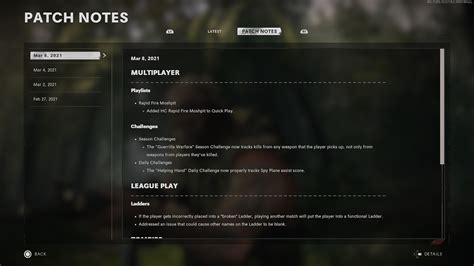
In the fast-paced world of gaming, staying updated on the latest developments can feel like a game in itself. From crucial balance changes in patch notes to eagerly awaited release dates and the ever-evolving esports scene, missing key information can put you at a disadvantage. Fortunately, with a structured approach, you can create a robust system to ensure you’re always in the loop.

Leverage Official Channels Directly
The most reliable source of information will always come directly from the creators themselves. Make it a habit to regularly check the official platforms associated with your favorite games and esports titles.
Developer Websites and Forums
Most game developers maintain dedicated websites and forums where they publish detailed patch notes, development roadmaps, and official announcements. These are often the first place significant news breaks. Subscribe to their newsletters or RSS feeds if available.
Official Social Media Accounts
Follow game developers, publishers, and esports organizations on platforms like X (formerly Twitter), Facebook, and Instagram. Many often post bite-sized updates, teasers, and links to more comprehensive news. Turn on notifications for accounts you consider critical.
Game Launchers and Clients
Modern game launchers (e.g., Steam, Epic Games Launcher, Battle.net, Riot Client) often feature built-in news feeds or dedicated sections for game updates and announcements. Check these when you fire up a game.

Tap into Curated News Sources and Aggregators
While official channels are crucial, a little help from dedicated news outlets can streamline your information gathering.
Dedicated Gaming News Sites
Major gaming news websites (e.g., IGN, Polygon, PC Gamer, GameSpot) employ journalists specifically to cover game updates, reviews, and esports news. Bookmark your preferred sites or subscribe to their newsletters.
RSS Feeds
For power users, an RSS reader can consolidate updates from multiple official blogs and news sites into a single, organized feed. This allows you to quickly scan headlines and dive deeper into articles of interest.
News Aggregator Apps
Apps like Google News, Apple News, or specialized gaming news aggregators can personalize your feed based on your interests, bringing relevant updates directly to your device.
Engage with the Community and Content Creators
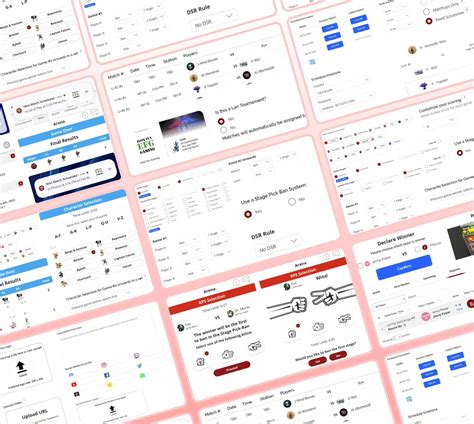
The gaming community itself is a vibrant source of information, often dissecting updates and highlighting important details.
Discord Servers
Join official and community-run Discord servers for your favorite games. These often have dedicated channels for announcements, patch notes discussion, and esports schedules. Many developers also engage directly with players here.
Reddit Subreddits
Subreddits for specific games or esports scenes are fantastic for crowdsourced information, discussions, and links to new updates. Upvoted posts often highlight the most critical news.
YouTube and Twitch Content Creators
Many streamers and YouTubers specialize in breaking down patch notes, analyzing game changes, and covering esports events. Subscribing to relevant channels can provide insightful summaries and real-time coverage.
Implement Smart Notification Strategies
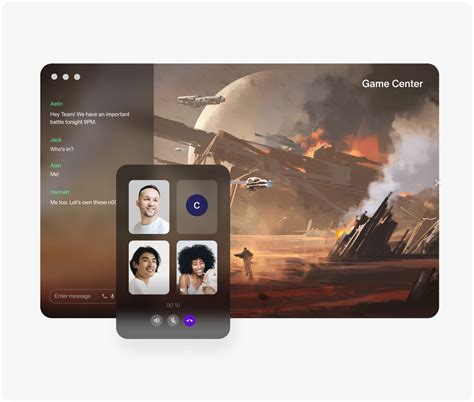
Beyond actively seeking information, let the information come to you.
In-Game and App Notifications
Enable push notifications for game launchers, companion apps, and official esports apps. Many games will also display update notifications directly within the client.
Calendar Reminders
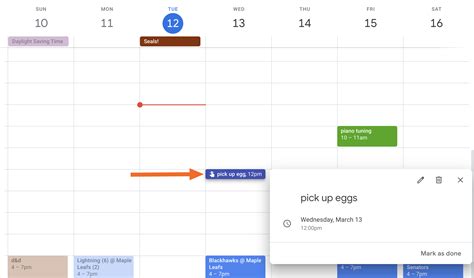
For crucial release dates or major esports events, set personal calendar reminders with alerts. This is especially useful for events that aren’t announced far in advance.
Email Newsletters
Sign up for email newsletters from developers, publishers, and your favorite gaming news sites. These often provide weekly or monthly recaps, ensuring you don’t miss anything significant.
Conclusion
Staying informed in the dynamic world of gaming doesn’t have to be a chore. By combining official channels with curated news sources, engaging with the community, and setting up smart notification systems, you can create a comprehensive network that ensures you’re always aware of critical patch notes, exciting release dates, and thrilling esports updates. Tailor these strategies to your specific gaming interests, and enjoy never missing a beat again.



