What’s the #1 GPU optimization for smoother game FPS?
The most impactful GPU optimization for achieving smoother game FPS is meticulously adjusting and lowering in-game graphics settings to reduce the rendering workload.
This article provides a comprehensive guide to diagnose and resolve sudden FPS drops that can disrupt your PC gaming experience, covering common software and hardware solutions.
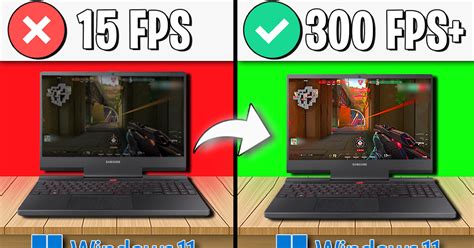
Unlock your PC’s full potential by following these essential Windows 10 optimization tips to significantly boost gaming performance and frame rates.
Optimize your monitor’s refresh rate and G-Sync settings to achieve a smoother, tear-free, and highly responsive gaming experience, giving you a competitive edge in fast-paced games.
Unlock your PC’s full potential for gaming with these essential Windows 11 settings designed to maximize performance and minimize input latency.
Upgrading to an RTX 40-series GPU requires careful consideration of your existing power supply unit’s wattage and capabilities to ensure system stability and performance.
Deciding whether to upgrade your CPU or GPU first depends heavily on your current system, gaming habits, target resolution, and desired frame rates, as each component plays a distinct role in overall gaming performance.
Experiencing frustrating lag and disconnections during online gaming due to slow Wi-Fi can be a common issue, often stemming from various factors such as interference, network congestion, or hardware limitations.
Unlock your gaming PC’s full potential by fine-tuning critical BIOS and Windows settings to achieve maximum frames per second and a smoother gameplay experience.
Addressing high CPU temperatures during gaming is crucial for PC longevity and performance, and the right case airflow configuration can make all the difference.