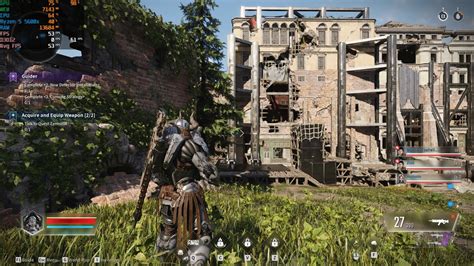
Troubleshooting stuttering in PC games: What are the first steps?
Discover the essential initial steps to diagnose and resolve frustrating stuttering issues that disrupt your PC gaming experience.
News, Guides, and Everything Gaming.






Discover the essential initial steps to diagnose and resolve frustrating stuttering issues that disrupt your PC gaming experience.
Discover optimal PC airflow configurations to prevent overheating, improve thermal performance, and ensure your gaming rig consistently delivers maximum frame rates.
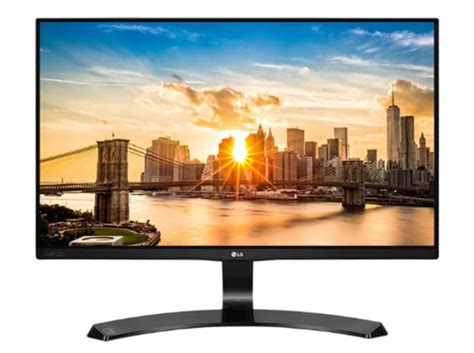
Mastering your monitor settings is crucial for competitive FPS games, striking a delicate balance between visual clarity and lightning-fast responsiveness to gain an edge over opponents.

Deciding between a 1440p 144Hz and a 1080p 240Hz monitor for competitive gaming often boils down to balancing visual fidelity against ultimate speed and responsiveness.

This article provides a comprehensive guide on identifying and resolving common bottlenecks that lead to low FPS in gaming PCs, ensuring optimal performance and a smoother gaming experience.

Discover effective strategies to improve your gaming PC’s airflow and significantly reduce temperatures, leading to enhanced frame rates and extended component lifespan.

Unlock the full potential of your graphics card for smoother gaming by fine-tuning essential GPU settings in both your driver control panel and in-game options.
Learn to systematically diagnose and fix frustrating random FPS drops on your gaming PC by monitoring performance, updating drivers, checking hardware, and optimizing system settings for a smooth gaming experience.

Learn about the best cooling solutions, from air coolers and liquid cooling to proper case airflow and thermal management, to prevent your gaming PC from overheating and ensure sustained frame rates.
Discover the ideal monitor refresh rate to gain a competitive edge in fast-paced FPS games, balancing visual fluidity with system performance and budget considerations.