
What’s the ideal refresh rate and resolution for competitive gaming?
Navigating the complex world of gaming monitors, this article breaks down the ideal refresh rate and resolution crucial for gaining a competitive edge in esports.
News, Guides, and Everything Gaming.






Navigating the complex world of gaming monitors, this article breaks down the ideal refresh rate and resolution crucial for gaining a competitive edge in esports.

Experiencing frustrating frame drops and stuttering in competitive games can severely impact performance; this guide offers comprehensive troubleshooting steps to diagnose and resolve these issues on your gaming PC.

Discover the best graphics card upgrades for smooth 1440p gaming in 2024, focusing on both new and used options under a $500 budget.

Optimize your gaming monitor for competitive FPS by understanding and adjusting key settings like refresh rate, response time, adaptive sync, and picture configurations to gain a crucial advantage.
Unlock the full potential of your high refresh rate gaming monitor by following these steps to enable 144Hz or 240Hz for a smoother, more responsive gaming experience.

Discover effective strategies to significantly boost your gaming frame rates without the need to upgrade your graphics card, focusing on software optimization, in-game settings, hardware configuration, and system maintenance.
Discover practical tips and system tweaks to significantly improve your gaming frame rates on a mid-range PC without investing in new hardware.
Learn how to effectively adjust your in-game and system settings to combat lag and achieve higher frame rates in demanding new PC game releases.
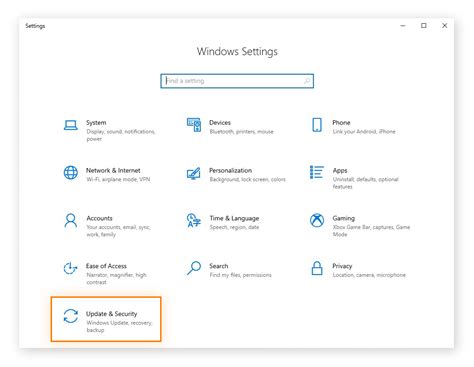
Learn how to fine-tune your GPU drivers through control panel settings, in-game configurations, and system optimizations to achieve maximum frames per second for a competitive edge.

Achieving maximum FPS in competitive games is crucial for a smooth and responsive experience, and optimizing your GPU settings is key to unlocking your system’s full potential.