
My gaming PC drops frames. What are key GPU settings to optimize for better FPS?
Learn how to diagnose and resolve frame drops in your gaming PC by optimizing key GPU settings for improved performance and a smoother gaming experience.
News, Guides, and Everything Gaming.





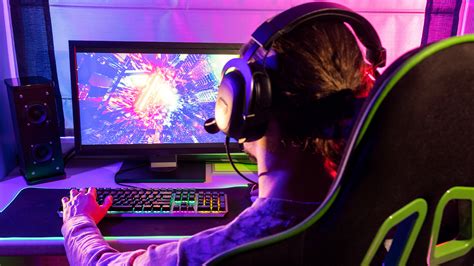
Learn how to diagnose and resolve frame drops in your gaming PC by optimizing key GPU settings for improved performance and a smoother gaming experience.
Learn how to fine-tune your monitor’s refresh rate and NVIDIA G-Sync settings to achieve peak performance and responsiveness, giving you a crucial edge in competitive gaming.

Unlock your PC’s full potential for competitive gaming by systematically optimizing GPU drivers, in-game settings, Windows, and hardware to achieve maximum FPS and minimal input lag.

Learn the essential steps and safety precautions for effectively cleaning your gaming PC’s fans and internal components to maintain optimal performance and longevity.

Discover the ultimate guide to configuring Windows 11 settings for maximum frame rates and minimal latency, ensuring a smoother and more responsive gaming experience.

Discover effective strategies and software optimizations to significantly improve your frame rate in demanding PC games without the need for an expensive graphics card upgrade.
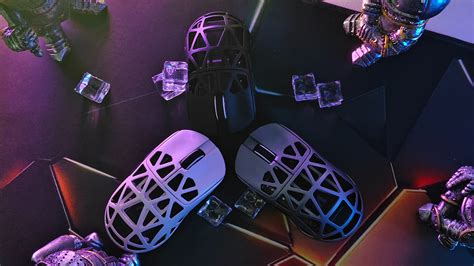
Mastering your gaming mouse’s DPI and polling rate is crucial for gaining a competitive edge in fast-paced First-Person Shooter (FPS) games, directly impacting aiming precision and responsiveness.
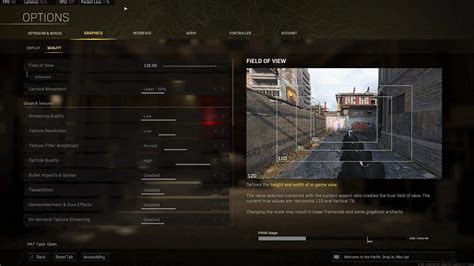
Unlock the full potential of your gaming rig by optimizing hardware, software, and in-game settings to achieve maximum FPS in demanding titles like Call of Duty: Warzone and Cyberpunk 2077.

Discover the common reasons why your powerful gaming PC might be struggling with low frame rates on new titles and learn effective strategies to diagnose and optimize its performance for a smoother gaming experience.
Unlock your PC’s full gaming potential by fine-tuning Windows 11 settings to boost frame rates, reduce latency, and provide a smoother, more responsive gaming experience.