
My gaming PC gets hot during long sessions. How to improve cooling & prevent FPS drops?
Learn how to diagnose and improve your gaming PC’s cooling system to prevent overheating and maintain stable frame rates during extended play sessions.
News, Guides, and Everything Gaming.






Learn how to diagnose and improve your gaming PC’s cooling system to prevent overheating and maintain stable frame rates during extended play sessions.

Experiencing PC overheating during gaming is common in high-performance builds, but implementing the right cooling setup can significantly improve stability and longevity.

Learn practical strategies to significantly improve your gaming PC’s internal airflow and effectively lower GPU temperatures, ensuring optimal performance and longevity.

Discover the essential strategies and hardware upgrades to combat gaming PC overheating, ensuring stable performance and longevity for your high-powered rig.
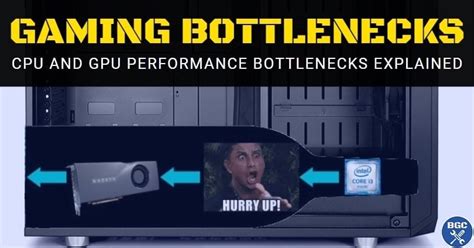
Discover how to pinpoint and resolve common hardware bottlenecks in your gaming PC to significantly boost your in-game frame rates and overall performance.

Discover the best monitor configurations, features, and connectivity tips to optimize your dual-PC streaming rig for both gaming performance and professional broadcast quality.
Discover the most cost-effective GPU upgrades that deliver high frame rates and a competitive edge for 1080p esports gaming without breaking the bank.
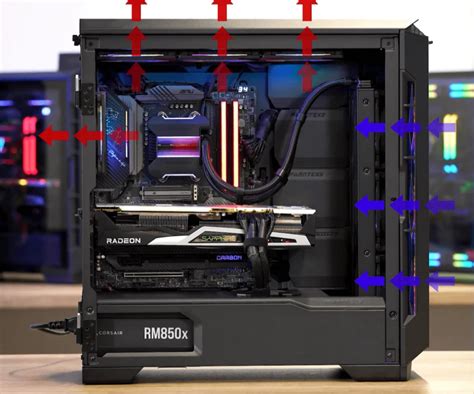
Learn how to effectively set up your PC fans and optimize internal airflow to significantly reduce gaming temperatures and enhance system stability and longevity.
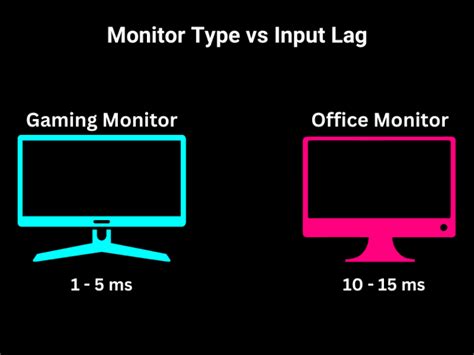
Learn essential hardware and software adjustments to minimize monitor input lag, ensuring a more responsive and competitive online gaming experience.
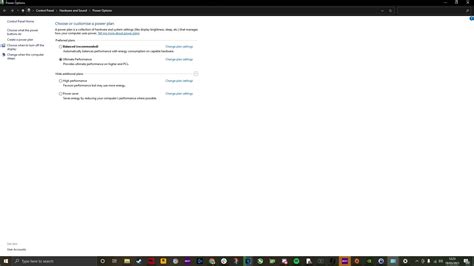
Master the art of PC optimization to achieve maximum Frames Per Second (FPS) in your favorite competitive games, gaining a crucial edge over opponents through smoother gameplay and reduced input lag.