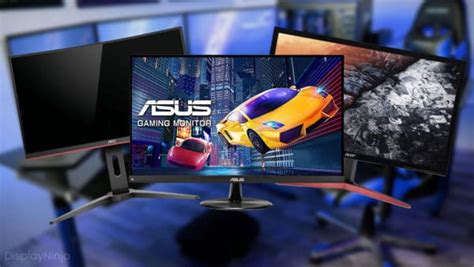
What 144Hz monitor is best for competitive FPS gaming under $300?
Finding the best 144Hz monitor for competitive FPS gaming under $300 involves balancing essential features like refresh rate, response time, and panel type without breaking the bank.
News, Guides, and Everything Gaming.






Finding the best 144Hz monitor for competitive FPS gaming under $300 involves balancing essential features like refresh rate, response time, and panel type without breaking the bank.
Discover effective strategies and tweaks to significantly boost your gaming PC’s frame rates without the need for a costly graphics card upgrade, focusing on software, system, and in-game settings.

Experiencing performance drops and crashes due to your GPU overheating during intense gaming? Discover practical, quick fixes to improve your PC’s airflow and lower GPU temperatures for smoother gameplay.
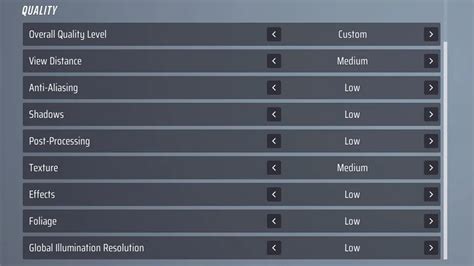
Discover the essential monitor settings, from refresh rate to color calibration, that can give you a crucial edge in competitive FPS games.
This article explores practical hardware adjustments and software optimizations to significantly reduce network latency and ping, ensuring a smoother and more responsive experience for competitive online gaming.
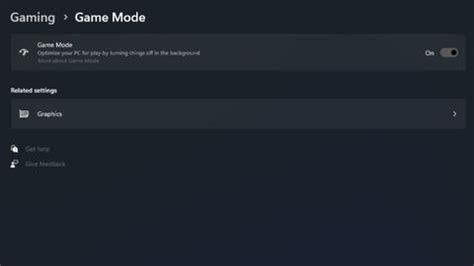
Unlock your Windows 11 PC’s full gaming potential by implementing these key optimization strategies to boost FPS and minimize input delay.
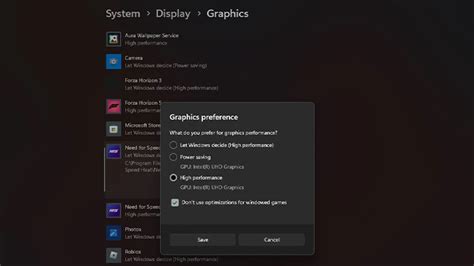
Discover essential Windows 11 settings and tweaks to significantly boost your gaming frame rates and minimize input lag for a smoother, more responsive experience.
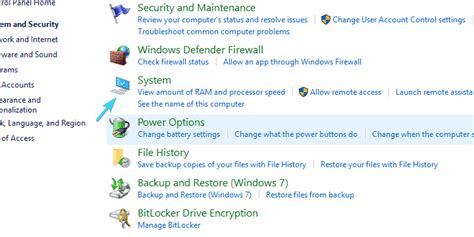
Experiencing frustrating FPS drops in the latest games? This article guides you through identifying and resolving GPU throttling issues to ensure smooth, uninterrupted gameplay.

Optimizing your gaming experience hinges on the right GPU drivers, and this article explores the best update methods to achieve peak FPS and system stability.
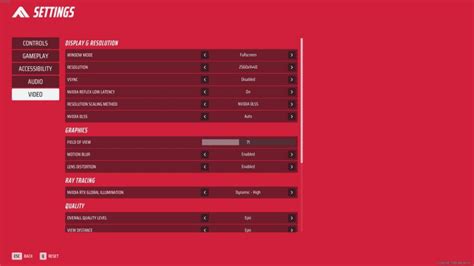
Learn how to fine-tune your GPU settings across various platforms and in-game options to achieve the highest possible Frames Per Second (FPS) for a competitive edge in esports titles.