How to optimize Windows 11 for max gaming performance & low input lag?
Unlock your Windows 11 PC’s full gaming potential and minimize input delay with these essential optimization tips and system tweaks.
News, Guides, and Everything Gaming.






Unlock your Windows 11 PC’s full gaming potential and minimize input delay with these essential optimization tips and system tweaks.

Experiencing muffled audio from your headset mic can hinder communication; learn the best software and hardware setups, alongside environmental adjustments, to achieve crystal-clear voice comms.

Combat high CPU and GPU temperatures in your gaming PC with effective cooling strategies, from basic dust cleaning and improved airflow to advanced cooler upgrades and thermal paste application.

Sudden FPS drops in demanding games can be frustrating, often stemming from issues like overheating, outdated drivers, or software conflicts, but various optimization tips can help restore smooth gameplay.

Optimizing your GPU settings is crucial for competitive gamers seeking maximum frame rates and minimal input delay, providing a distinct advantage in fast-paced titles.
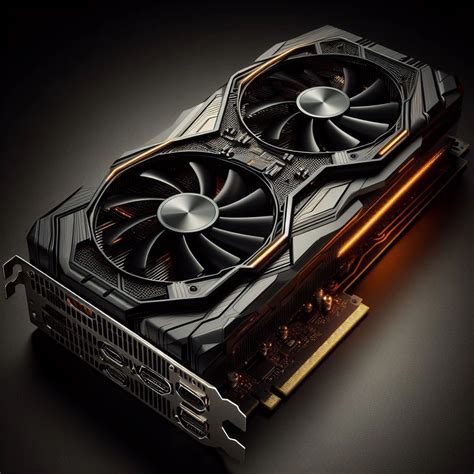
Discover the optimal GPU, CPU, and RAM combinations that deliver excellent performance and value for a premium 1440p gaming experience without breaking the bank.

Unlock your graphics card’s full potential for superior frame rates in demanding new AAA titles by strategically adjusting settings within NVIDIA and AMD control panels.

Combat frustrating low FPS and stuttering in your gaming PC by learning to diagnose bottlenecks, optimize your system drivers, and fine-tune both operating system and in-game settings for peak performance.

Discover the ultimate ergonomic mouse and keyboard combinations designed to provide comfort and prevent strain during extended PC gaming sessions, ensuring peak performance and long-term health.
Deciding between a 144Hz and 240Hz monitor for competitive first-person shooters depends on your budget, GPU power, and competitive aspirations, with diminishing returns beyond 144Hz for many players.