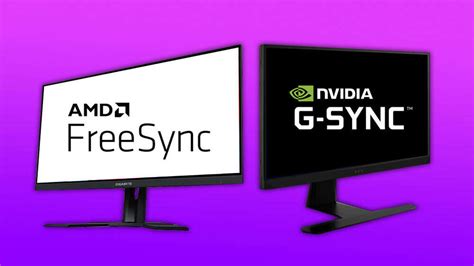
How to properly set up G-Sync/FreeSync for tear-free gaming on my new monitor?
Learn the essential steps to configure G-Sync or FreeSync on your new gaming monitor and GPU for a perfectly smooth, tear-free gaming experience.
News, Guides, and Everything Gaming.






Learn the essential steps to configure G-Sync or FreeSync on your new gaming monitor and GPU for a perfectly smooth, tear-free gaming experience.

Learn effective strategies and practical steps to combat high CPU and GPU temperatures during intense gaming sessions, ensuring optimal performance and longevity for your hardware.
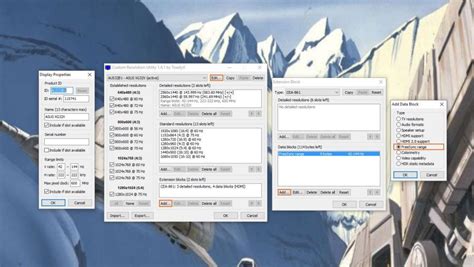
Unlock your full potential in competitive gaming by meticulously optimizing your monitor’s refresh rate, adaptive sync technologies, and HDR settings for maximum performance and visual clarity.

This article explores whether updating GPU drivers or adjusting in-game graphics settings offers a quicker and more effective solution for resolving common stuttering issues in PC games.
Understanding how to select and update the right GPU drivers from manufacturers like Nvidia and AMD is crucial for maximizing performance in the latest demanding AAA game titles.
Discover how to systematically diagnose and effectively fix common stability issues that cause your gaming PC to crash under load, ensuring a smooth and reliable gaming experience.
Discover which graphics card offers the optimal balance of performance, features, and price for an exceptional 1440p gaming experience in 2024.

Ensure your high refresh rate gaming monitor is delivering its maximum potential by verifying crucial display settings, driver configurations, and in-game options.
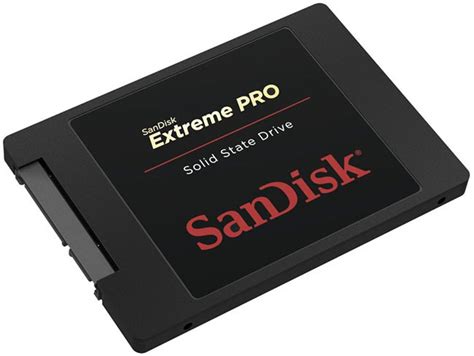
This article explores the differences between SATA SSD and NVMe drives for gaming, evaluating their impact on load times and determining which offers the best value for PC gamers looking to upgrade their storage.

Discover the optimal mouse DPI and polling rate settings that competitive esports professionals utilize to gain an edge in precision and responsiveness.