What GPU settings yield optimal FPS in demanding PC games?
Achieving optimal FPS in demanding PC games requires a strategic approach to GPU settings, balancing visual fidelity with raw performance.
News, Guides, and Everything Gaming.






Achieving optimal FPS in demanding PC games requires a strategic approach to GPU settings, balancing visual fidelity with raw performance.

For competitive FPS gaming, an optimal monitor setup prioritizes high refresh rates (144Hz+) and low response times (1ms), often favoring 1080p or 1440p resolution to ensure maximum frame rates and minimal input lag.

Experiencing frustrating FPS drops in your PC games? This guide explores common causes from hardware bottlenecks to software conflicts and provides actionable steps to diagnose and significantly improve your gaming performance.

Discover the best upgrade strategies for your aging gaming PC to conquer new AAA titles at 1080p or 1440p resolutions, focusing on key components like GPU, CPU, and RAM.
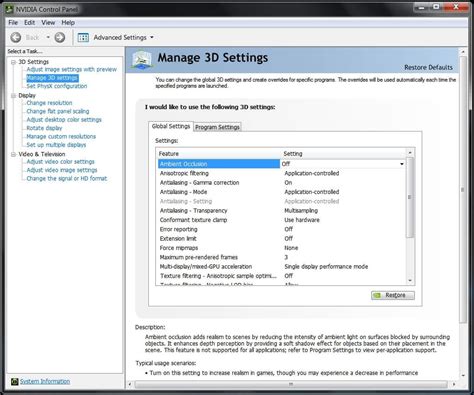
Unlock your PC’s full gaming potential by optimizing crucial Windows settings to significantly boost your Frames Per Second (FPS) and ensure a smoother, more responsive gameplay experience.

Many factors can prevent a 144Hz gaming monitor from displaying its full potential 144 frames per second in games, ranging from system settings and hardware limitations to in-game configurations.

Discover how to accurately diagnose and systematically resolve frustrating stuttering issues in PC games, even when experiencing high frame rates, ensuring a smoother gaming experience.

This article delves into the critical GPU settings and system-wide optimizations necessary to achieve consistently smooth, high refresh rate gaming without experiencing frustrating frame drops.
Deciding whether to upgrade your CPU or GPU first depends on your current system’s specifications, the games you play, and the resolution you target, as each component plays a distinct role in gaming performance.

Prevent your gaming PC from overheating and optimize performance by implementing these three essential tips for improving CPU and GPU cooling airflow.