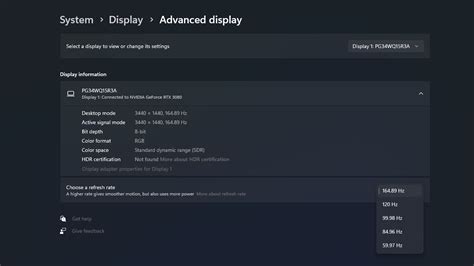
How to optimize Windows 11 settings for maximum gaming FPS?
Unlock your PC’s full potential by fine-tuning Windows 11 settings to achieve maximum frames per second in your favorite games.
News, Guides, and Everything Gaming.






Unlock your PC’s full potential by fine-tuning Windows 11 settings to achieve maximum frames per second in your favorite games.
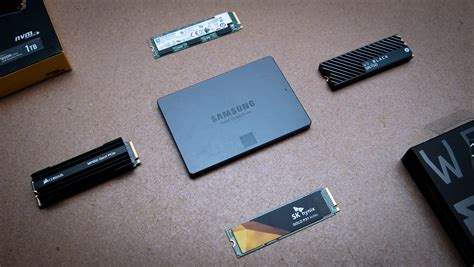
This article delves into whether NVMe SSDs or SATA SSDs offer the best value for gamers looking to reduce load times, examining performance, cost, and overall upgrade considerations.
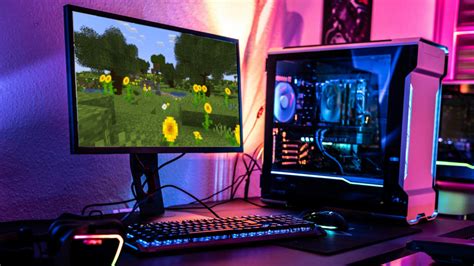
Achieving a lag-free gaming experience is crucial for competitive play, and this article explores how to optimize monitor refresh rates and mouse settings to minimize input lag.
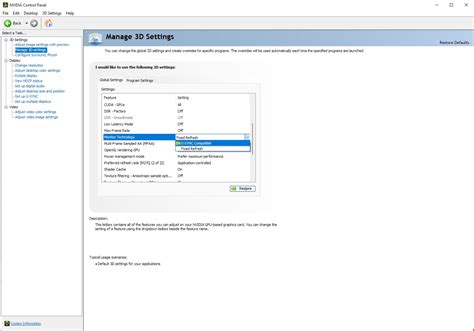
Achieving a smooth, responsive gaming experience requires optimizing input lag and correctly configuring adaptive sync technologies like G-Sync or FreeSync.

This article will guide gamers through optimizing their PC cooling setup to prevent overheating and maintain stable frame rates during intense gaming sessions.

Addressing an overheating gaming PC is crucial for sustained performance; explore common cooling upgrades like CPU coolers, case fans, liquid cooling, and thermal paste to keep your system running optimally.
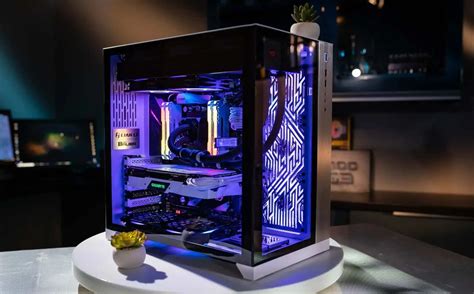
Discover the top three essential and actionable tips to prevent your PC from overheating during intense gaming sessions, ensuring optimal performance and hardware longevity.

Transform your chaotic gaming setup into an organized, high-performance powerhouse by implementing smart cable management strategies for improved airflow and aesthetics.
Ensuring your gaming PC stays cool is paramount for maintaining stable frame rates and extending hardware lifespan, achievable through a combination of efficient air and liquid cooling solutions, optimal case airflow, and proper thermal management.

Optimize your new Ryzen PC build for peak gaming performance by adjusting essential BIOS settings like EXPO/XMP, PBO, Infinity Fabric, and Resizable BAR for significant FPS gains.