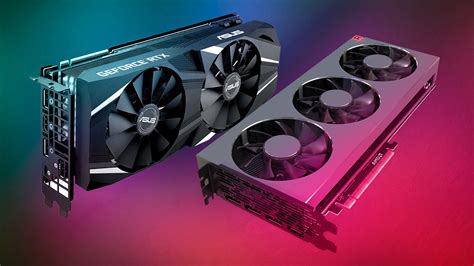
Best GPU upgrade on a budget for high FPS gaming? Value recommendations.
Discover the top budget-friendly graphics card recommendations for achieving high frame rates in modern PC games without breaking the bank.
Choosing the optimal monitor setup for competitive FPS involves a nuanced balance between high refresh rates, adaptive sync technologies, and other crucial specifications to maximize performance and minimize input lag.
For competitive FPS games, an ideal monitor setup balances high refresh rates (144Hz+) with ultra-low response times (1ms GtG) to minimize input lag and provide a smoother, more responsive visual experience.
Achieving the perfect balance between minimal noise and excellent component temperatures in your gaming PC requires strategic fan placement and intelligent control.
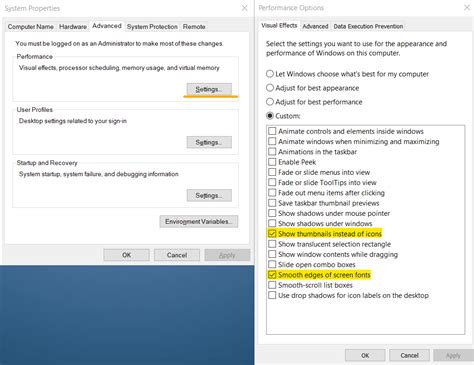
Unlock your Windows 11 PC’s full gaming potential by adjusting key system settings to achieve maximum frame rates and significantly reduce input lag.
Mastering PC airflow is crucial for maintaining optimal gaming temperatures, boosting performance, and preventing frustrating thermal throttling issues.
Discover the top CPU cooler solutions, including high-performance air and AIO liquid options, essential for preventing thermal throttling and maintaining optimal performance on your high-end gaming CPU.
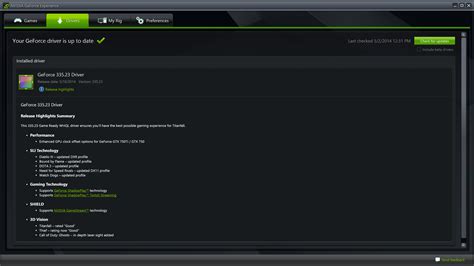
This article provides a comprehensive guide to diagnosing and fixing common frame rate (FPS) drops that hinder smooth PC gaming experiences, covering both software and hardware solutions.
Discover the most effective hardware upgrades to boost your PC’s FPS in new games without breaking the bank, identifying common bottlenecks and prioritizing components like the GPU, CPU, and RAM.
Optimizing your gaming mouse’s DPI and polling rate is crucial for competitive FPS titles, balancing precision, responsiveness, and personal comfort for peak performance.