
Experiencing micro-stutters in games. How to diagnose & fix them?
Learn how to identify, diagnose, and effectively eliminate frustrating micro-stutters that can plague your gaming experience, ensuring smoother gameplay.
News, Guides, and Everything Gaming.






Learn how to identify, diagnose, and effectively eliminate frustrating micro-stutters that can plague your gaming experience, ensuring smoother gameplay.

Learn effective strategies to improve your gaming PC’s cooling, prevent thermal throttling, and maintain stable FPS during intensive gaming sessions.

This article explores various software tweaks, system optimizations, and in-game settings adjustments to significantly improve gaming FPS on a mid-range PC without requiring any hardware upgrades.
This article delves into the real-world impact of SSDs and NVMe drives on gaming load times, helping gamers decide which storage upgrade offers the most significant performance boost and value.

Enabling XMP (Extreme Memory Profile) or DOCP (D.O.C.P.) is crucial for unlocking your gaming RAM’s advertised speeds, significantly boosting system performance and ensuring you get the most out of your hardware.
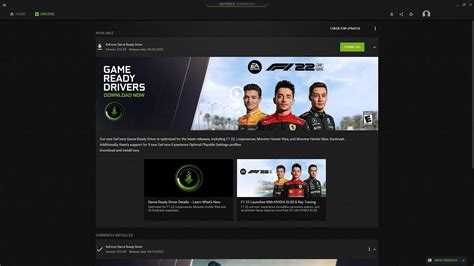
Finding the optimal frequency for GPU driver updates is crucial for balancing peak gaming performance with system stability and avoiding potential issues.

Experiencing sudden drops in frame rates while gaming can be frustrating; this article explores common causes and provides actionable solutions to restore smooth gameplay.
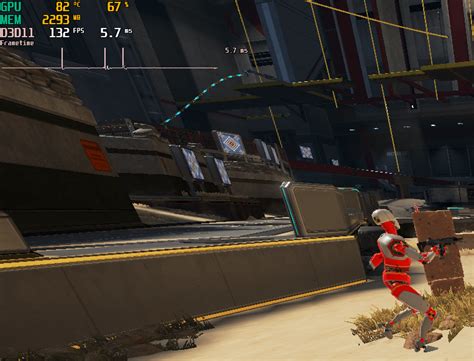
Discover how to diagnose whether your PC’s stuttering in new games is caused by a GPU or CPU bottleneck and learn the steps to resolve it for smoother gameplay.

Discover the optimal monitor settings and configurations to significantly reduce input lag, providing a crucial competitive advantage in fast-paced first-person shooter games.
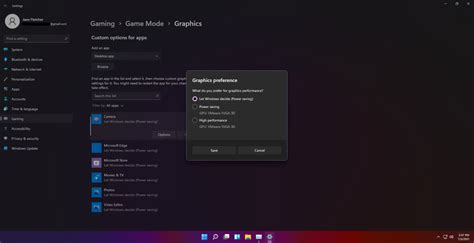
Maximize your Windows 11 gaming performance and responsiveness by fine-tuning power settings, graphics options, background processes, and drivers for a smoother experience.