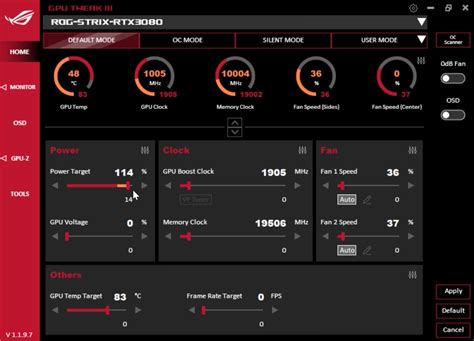
Boost FPS: What are the top 3 Windows settings to tweak for gaming performance?
Discover the top three essential Windows settings you can easily adjust to significantly improve your gaming performance and frame rates for a smoother experience.
News, Guides, and Everything Gaming.






Discover the top three essential Windows settings you can easily adjust to significantly improve your gaming performance and frame rates for a smoother experience.
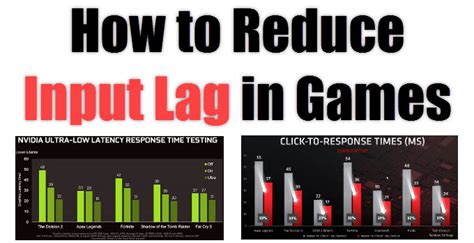
Minimizing input lag is crucial for competitive FPS gamers, and this guide explores various hardware and software strategies to achieve a more responsive and precise gaming experience.
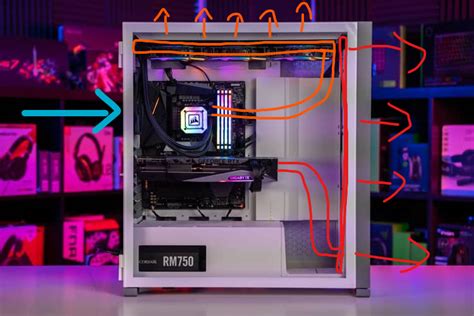
Combat thermal throttling and boost your gaming FPS by optimizing PC airflow, upgrading cooling components, and performing essential maintenance.
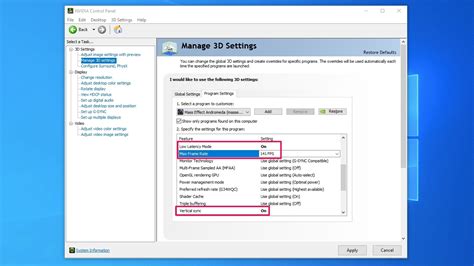
Achieve buttery-smooth, tear-free gaming by properly enabling G-Sync or FreeSync on your compatible monitor with this comprehensive guide.
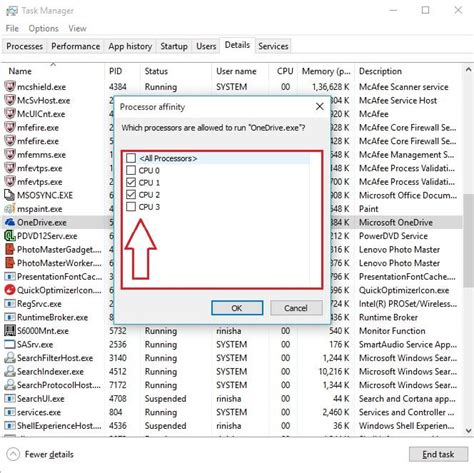
Understand how to identify the tell-tale signs of a CPU bottleneck in your gaming PC and learn effective software and hardware strategies to resolve stuttering and improve overall performance.
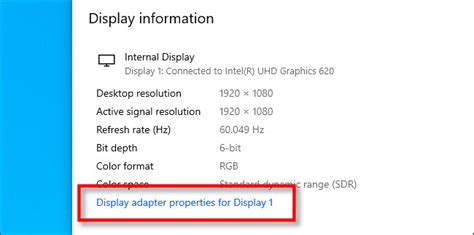
Ensuring your gaming monitor’s refresh rate is correctly configured in Windows is crucial for achieving the smoothest gameplay and maximizing your frames per second.
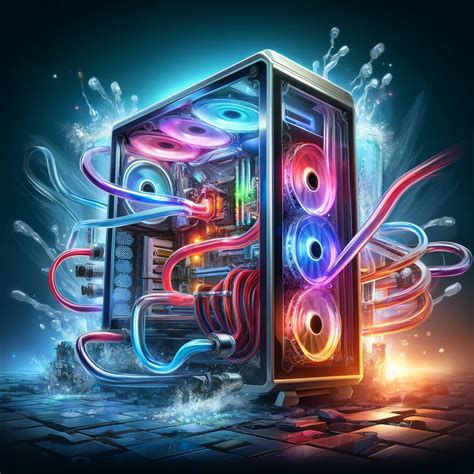
Discover the best cooling solutions, from CPU air and liquid coolers to optimized case airflow and maintenance tips, to keep your gaming PC running cool and maintain stable frame rates.
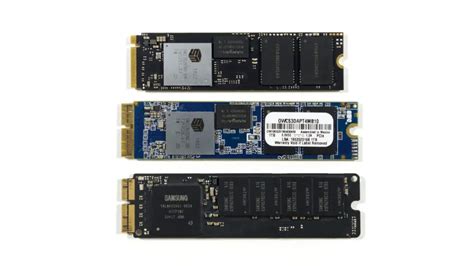
Choosing between NVMe and SATA SSDs for your gaming rig is crucial for minimizing load times and maximizing responsiveness, but understanding their real-world performance differences is key.
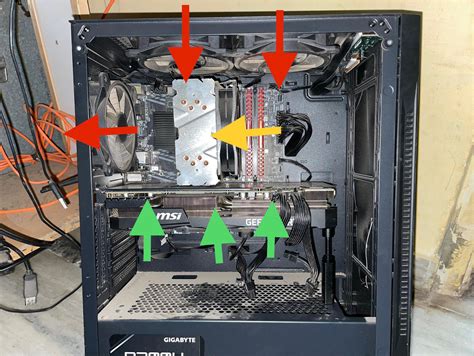
Discover effective strategies and practical tips to significantly improve your gaming PC’s airflow and CPU cooling, preventing overheating and enhancing performance and longevity.
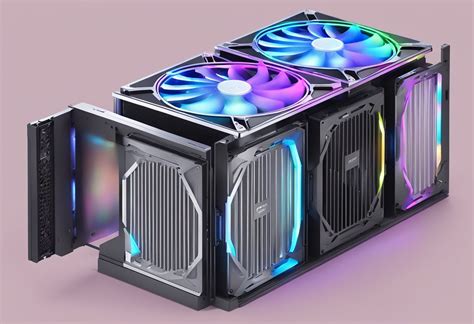
Discover the essential principles and practical strategies for optimizing your PC’s internal airflow to achieve superior cooling performance and prevent overheating in your gaming rig.