
How to fix high ping & lag spikes for stable online PC gaming?
This comprehensive guide helps PC gamers troubleshoot and resolve high ping and lag spikes, ensuring a smoother, more stable online gaming experience.
News, Guides, and Everything Gaming.






This comprehensive guide helps PC gamers troubleshoot and resolve high ping and lag spikes, ensuring a smoother, more stable online gaming experience.
Deciding whether to upgrade your CPU or GPU first for optimal 1440p gaming performance hinges on identifying your system’s current bottleneck through careful monitoring.

Unlock your PC’s full potential by meticulously optimizing Windows 11 settings to achieve peak gaming performance and significantly reduce input lag.

Unlock your PC’s full potential by fine-tuning Windows 11 settings to achieve maximum gaming performance and reduce input latency for a smoother, more responsive experience.

Diagnosing and resolving low FPS issues in PC gaming requires a systematic approach, from software adjustments to identifying hardware limitations for smoother gameplay.

This article explores how to fine-tune your monitor’s refresh rate and NVIDIA G-Sync settings to gain a competitive edge in fast-paced First-Person Shooter (FPS) games.
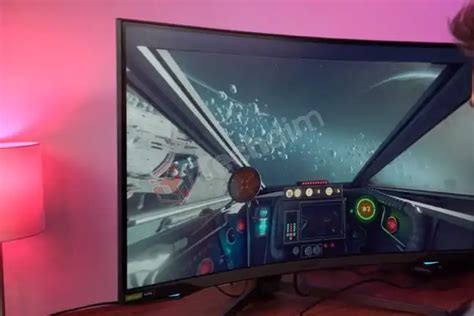
Uncover the ideal monitor refresh rate and resolution settings to gain a crucial advantage in fast-paced competitive FPS games.
Discover essential strategies to prevent your gaming PC from overheating, optimize CPU and GPU cooling, and maintain stable frame rates for an uninterrupted gaming experience.

This comprehensive guide explores the causes of monitor tearing and stuttering in 144Hz+ PC gaming and provides detailed solutions, from software adjustments to adaptive sync technologies and advanced optimizations.

Discover how to identify if your CPU is holding back the powerful RTX 4080 in modern games and what steps you can take to optimize your gaming experience.