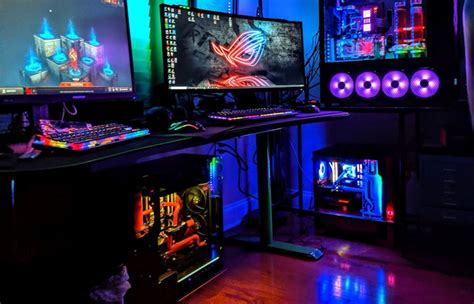
Gaming PC overheating? Tips to improve airflow & CPU/GPU cooling.
Learn essential strategies to combat gaming PC overheating, from optimizing case airflow to upgrading CPU and GPU cooling solutions, ensuring stable performance and longevity.
News, Guides, and Everything Gaming.






Learn essential strategies to combat gaming PC overheating, from optimizing case airflow to upgrading CPU and GPU cooling solutions, ensuring stable performance and longevity.

Discover the common causes behind your gaming PC’s overheating issues and learn practical tips to effectively lower CPU and GPU temperatures for optimal performance and longevity.

Achieving fluid high-refresh 1440p gaming requires a balanced CPU and GPU pairing, with modern mid-to-high-end components offering the best performance and value.
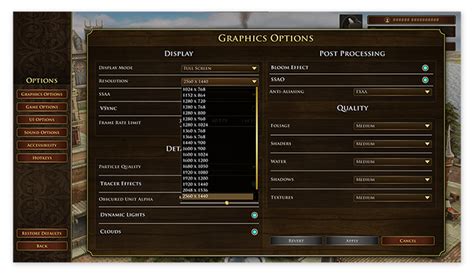
This article guides gamers through essential Windows optimization techniques to boost frame rates and minimize input delay for a smoother, more responsive gaming experience.
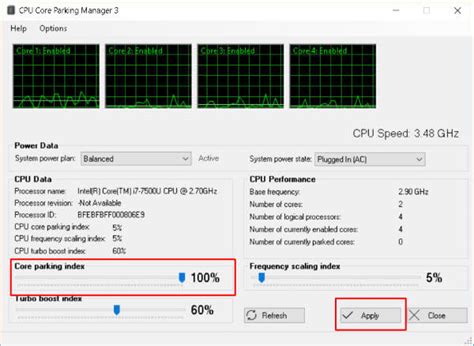
Elevate your gaming experience by optimizing CPU and GPU cooling to prevent thermal throttling, ensuring sustained peak performance and system longevity.
For competitive FPS titles, refresh rate (Hz) is paramount for smoothness and reaction time, while resolution requires a balance between visual clarity and maintaining high frame rates.
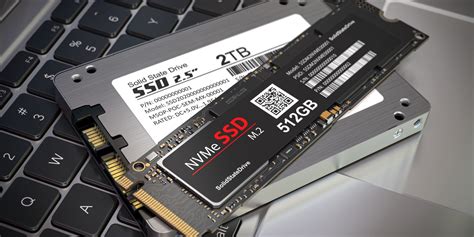
This article delves into the perennial debate for gamers, comparing NVMe and SATA SSDs to determine which offers the best balance of gaming load times and overall value for your PC build.
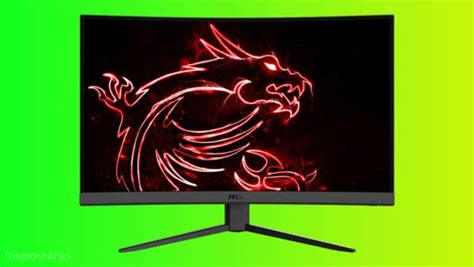
Optimize your gaming setup, hardware, and software settings to minimize input lag and gain a crucial advantage in competitive online games.

Game crashes can be incredibly frustrating, and often the culprit lies with outdated or corrupted GPU drivers, which are essential for optimal gaming performance and stability.
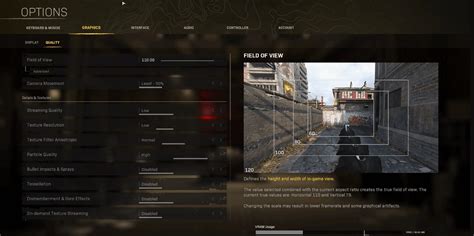
Unlock peak performance for your competitive gaming sessions on Windows 11 by implementing crucial optimization steps designed to maximize your frames per second and reduce input lag.