
How to optimize Windows for maximum gaming FPS and minimize input lag?
Unlock your gaming PC’s full potential by optimizing Windows settings, drivers, and system configurations to achieve higher frame rates and significantly reduce input delay.
News, Guides, and Everything Gaming.






Unlock your gaming PC’s full potential by optimizing Windows settings, drivers, and system configurations to achieve higher frame rates and significantly reduce input delay.

Unlock the full potential of your 144Hz gaming monitor for peak performance in competitive first-person shooter titles on Windows by adjusting key display, in-game, and system settings.
Upgrading your GPU for competitive 1440p gaming requires balancing raw power, price, and efficiency to achieve high frame rates and a smooth, responsive experience.

Discover the top graphics card upgrades for achieving maximum FPS in 1440p esports gaming, balancing performance, price, and competitive advantage.
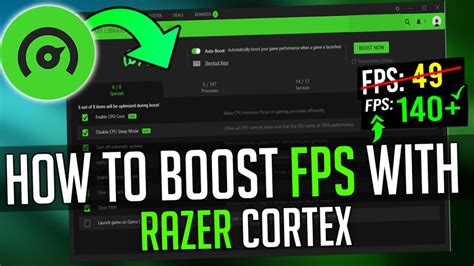
Learn practical tips and tricks to significantly improve frame rates and gaming performance on your aging PC hardware without breaking the bank.

Discover how to identify whether your gaming PC’s performance is limited by its CPU or GPU, and learn the best strategies for upgrading your components to achieve smoother gameplay.

Unlock higher frame rates and smoother gameplay by fine-tuning your NVIDIA or AMD GPU driver settings with this comprehensive guide.

This article provides a comprehensive guide on optimizing your PC hardware, software settings, and peripherals to minimize input lag for a competitive edge in high refresh rate FPS gaming.
To gain a competitive edge in fast-paced first-person shooter games, understanding and optimizing your monitor’s refresh rate, response time, and adaptive sync technologies is crucial for a smooth and responsive gameplay experience.

Navigating the challenge of 1440p gaming on a budget requires careful consideration of GPU performance, VRAM, and price-to-performance ratio, with previous generation cards often offering the best value.