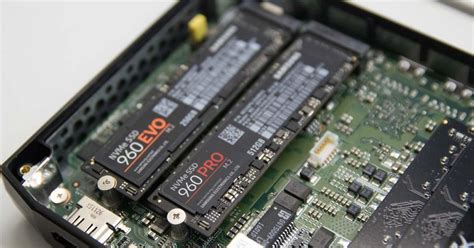
NVMe SSD vs SATA: Which is best for game load times?
This article compares NVMe SSDs and SATA SSDs to determine which offers the superior performance for reducing game load times and enhancing the overall gaming experience.
News, Guides, and Everything Gaming.






This article compares NVMe SSDs and SATA SSDs to determine which offers the superior performance for reducing game load times and enhancing the overall gaming experience.
Discover essential tips and configurations to fine-tune Windows 11, ensuring maximum frames per second and minimal input lag for a superior gaming experience.
Unlock your PC’s full gaming potential by fine-tuning GPU driver settings for smoother frame rates and more responsive gameplay.
Discover essential strategies and practical tips to keep your gaming PC cool, prevent performance dips, and ensure smooth gameplay during even the most demanding sessions.

Discover the top budget-friendly graphics card recommendations for achieving high frame rates in modern PC games without breaking the bank.

Choosing the optimal monitor setup for competitive FPS involves a nuanced balance between high refresh rates, adaptive sync technologies, and other crucial specifications to maximize performance and minimize input lag.

For competitive FPS games, an ideal monitor setup balances high refresh rates (144Hz+) with ultra-low response times (1ms GtG) to minimize input lag and provide a smoother, more responsive visual experience.

Achieving the perfect balance between minimal noise and excellent component temperatures in your gaming PC requires strategic fan placement and intelligent control.
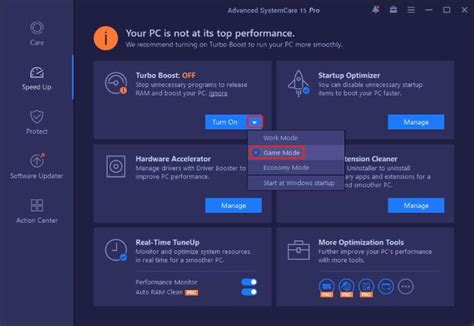
Unlock your Windows 11 PC’s full gaming potential by adjusting key system settings to achieve maximum frame rates and significantly reduce input lag.

Mastering PC airflow is crucial for maintaining optimal gaming temperatures, boosting performance, and preventing frustrating thermal throttling issues.