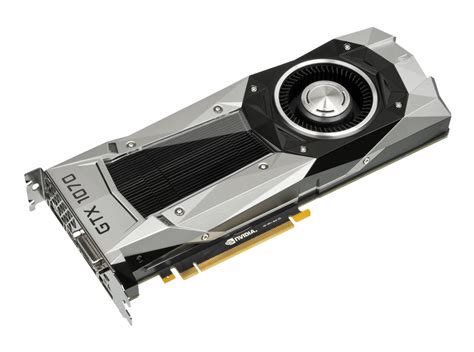
What GPU upgrade offers best value for high-refresh 1440p gaming on a budget?
Discover which graphics card offers the optimal balance of performance and price for achieving smooth, high-refresh 1440p gaming on a budget.
News, Guides, and Everything Gaming.






Discover which graphics card offers the optimal balance of performance and price for achieving smooth, high-refresh 1440p gaming on a budget.

Unlock the full potential of your gaming setup by understanding and optimizing your monitor’s refresh rate and leveraging adaptive sync technologies like G-Sync or FreeSync for an exceptionally smooth and tear-free gaming experience.

Unlock your PC’s full potential in Call of Duty: Warzone by meticulously adjusting in-game, driver, and Windows settings to achieve maximum frames per second and a buttery-smooth competitive experience.
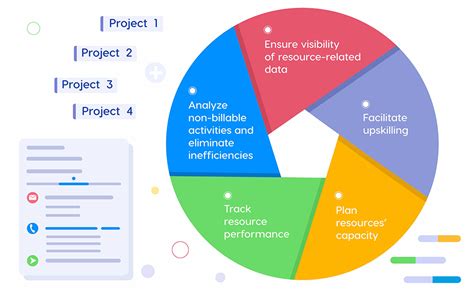
Discover how to significantly improve your gaming PC’s frame rates in demanding new AAA games through strategic software adjustments and system tweaks, all without spending money on new hardware.
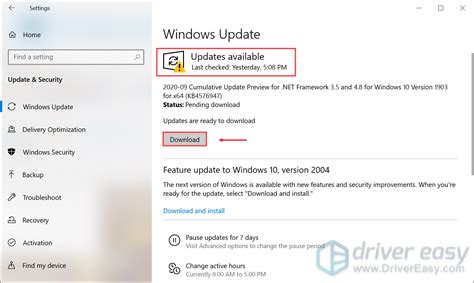
When faced with stuttering in PC games, understanding whether to prioritize driver updates or in-game settings adjustments is crucial for efficient troubleshooting and a smoother gaming experience.

Experiencing low FPS in your gaming PC can be frustrating, and pinpointing whether your CPU or GPU is the bottleneck is crucial for effective troubleshooting and upgrades.

Maintaining optimal CPU and GPU temperatures is crucial for stable gaming performance and quiet operation, requiring a careful choice of cooling solutions.

Discover the most effective and immediate cooling upgrades under $50 to tackle your gaming PC’s overheating issues, from better case airflow to improved CPU thermal management.
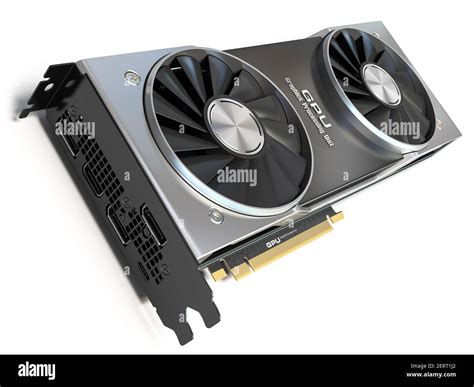
Identify the best GPU upgrade under $500 for a significant FPS boost in 1440p gaming, balancing performance, VRAM, and overall value.
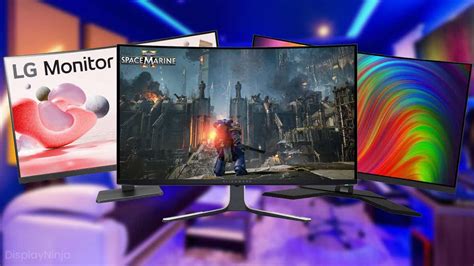
Discover the essential monitor settings and features that provide a competitive edge for responsive and fluid gameplay in fast-paced First-Person Shooter (FPS) titles.