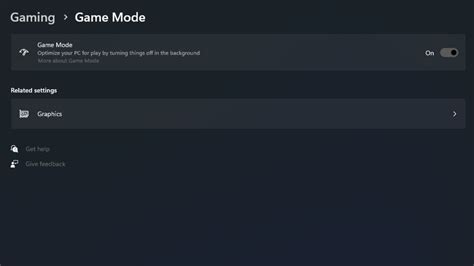
How to optimize Windows 11 for max FPS in competitive games?
Unlock your gaming PC’s full potential by optimizing Windows 11 settings to achieve maximum frames per second (FPS) for a smoother and more competitive gaming experience.
News, Guides, and Everything Gaming.






Unlock your gaming PC’s full potential by optimizing Windows 11 settings to achieve maximum frames per second (FPS) for a smoother and more competitive gaming experience.

Choosing between a high refresh rate and high resolution monitor is crucial for competitive gamers, with each offering distinct advantages in different scenarios.
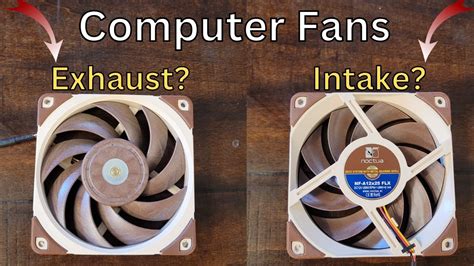
Optimizing PC airflow with the right intake and exhaust fan setup is crucial for maintaining optimal temperatures, boosting performance, and extending the lifespan of your gaming hardware.
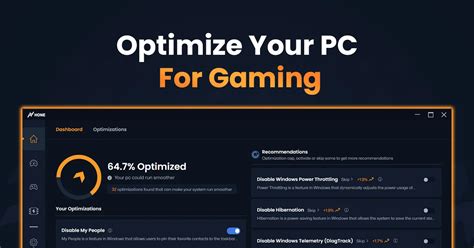
Unlock peak performance in your favorite competitive shooters by fine-tuning GPU settings for maximum frames per second and a smoother, more responsive gaming experience.
Unlock your PC’s full potential by fine-tuning Windows 11 settings to achieve maximum gaming performance and frames per second (FPS).
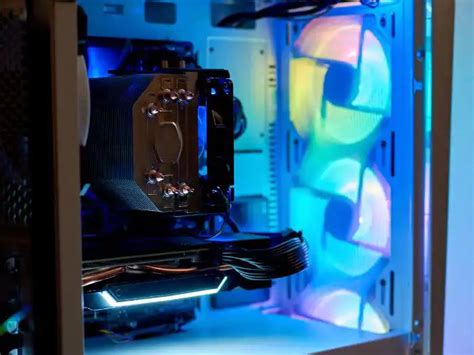
Learn the essential techniques for effective cable management in your gaming PC, improving both internal airflow and overall visual appeal with a clean, organized build.
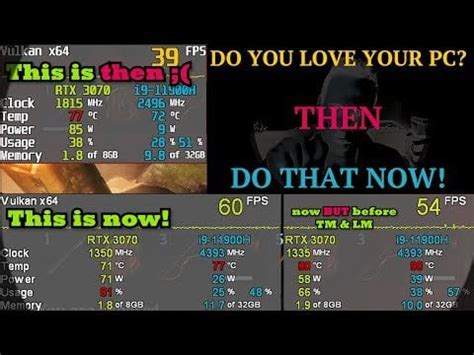
Learn how to diagnose and resolve low FPS issues in modern games, and apply various PC optimization techniques to achieve a consistently smooth 144Hz gaming experience.
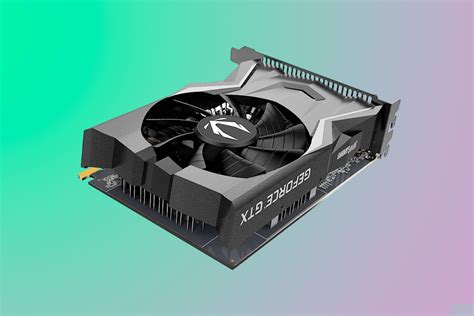
Discover the top budget-friendly graphics cards capable of delivering a smooth 144Hz experience at 1080p for competitive first-person shooters, balancing performance and cost-effectiveness.
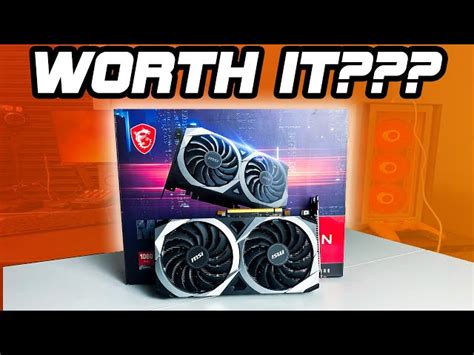
Finding the ideal budget GPU for smooth 1080p high refresh rate gaming involves balancing performance, price, and feature sets in a competitive market.
Learn how to diagnose and resolve overheating issues in your gaming PC, implement effective cooling strategies, and prevent performance-damaging thermal throttling.