How do I install an M.2 NVMe SSD for faster game loading times?
Upgrade your gaming PC by installing an M.2 NVMe SSD to significantly reduce game loading times and improve overall system responsiveness.
This article explores the common causes of high CPU and GPU temperatures during gaming and provides practical solutions to effectively lower heat, ensuring stable frame rates and preventing performance-degrading thermal throttling.
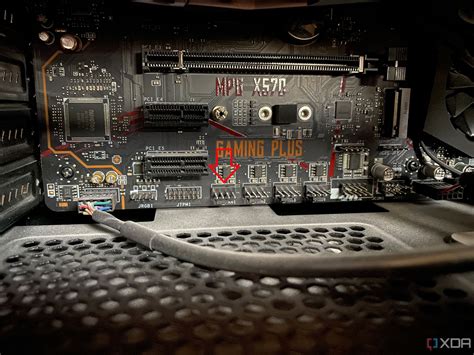
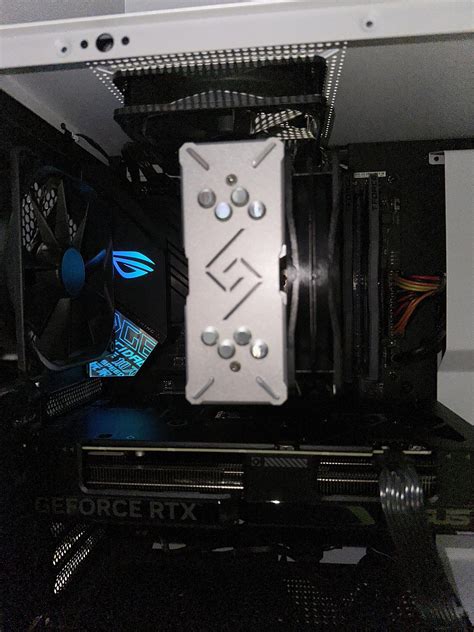
Maintaining optimal temperatures is crucial for gaming PC performance and longevity; this guide covers essential strategies, from selecting the best CPU cooler to optimizing case airflow, to prevent overheating.
If your PC fails to boot after installing a new graphics card, start by checking power connections, GPU seating, display cables, and your power supply’s capacity.
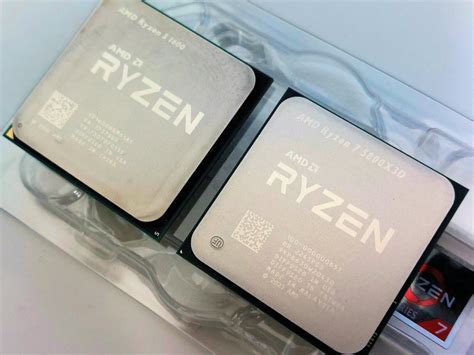
Deciding whether to upgrade your CPU or GPU first for optimal 1440p gaming performance depends on your current system, the games you play, and identifying the primary bottleneck.
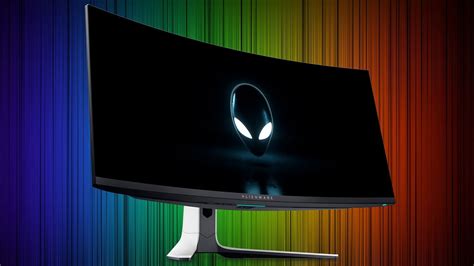
This article delves into the critical monitor specifications, refresh rate and resolution, to determine their impact on performance and competitive advantage in esports.
This article explores whether upgrading to an NVMe SSD significantly reduces game loading times in a gaming PC, comparing its performance against SATA SSDs and considering the overall cost-benefit.
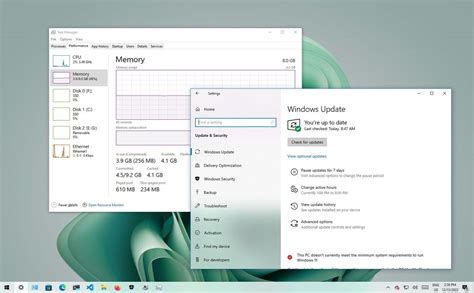
Unlock your PC’s full potential for gaming by implementing these essential Windows 10/11 optimization tips, from driver updates to power plan adjustments.
While Ethernet remains the gold standard for competitive online gaming, this article explores advanced Wi-Fi optimization techniques that can significantly reduce latency and enhance the wireless gaming experience.
This article explores the fundamental question for gamers: whether to meticulously optimize existing GPU settings or invest in new hardware to achieve higher FPS and smoother gameplay.