
Which GPU driver settings offer the biggest FPS boost for competitive gaming?
Optimizing GPU driver settings is crucial for maximizing frames per second (FPS) and gaining a competitive edge in fast-paced games.
News, Guides, and Everything Gaming.






Optimizing GPU driver settings is crucial for maximizing frames per second (FPS) and gaining a competitive edge in fast-paced games.
Discover practical strategies to significantly improve your in-game FPS and enhance competitive performance by optimizing software, system settings, and hardware without requiring expensive upgrades.

Mastering both competitive FPS gaming and high-quality streaming requires a meticulously optimized PC setup, focusing on powerful hardware, precision peripherals, robust network, and smart software configurations for peak performance and audience engagement.
Learn effective strategies to minimize ping and latency on your Wi-Fi network, ensuring a smoother and more responsive online gaming experience.
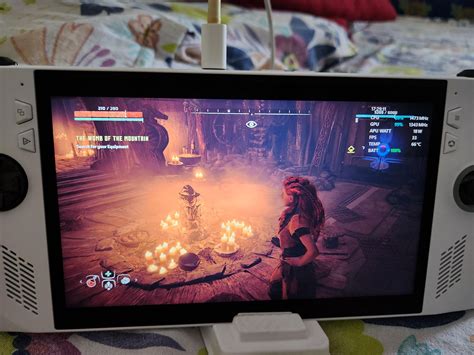
Optimizing your gaming PC’s airflow is crucial for reducing temperatures, preventing thermal throttling, and ensuring consistent, stable frame rates during intense gaming sessions.
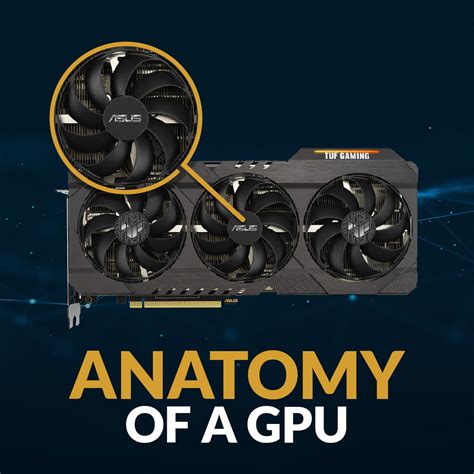
Discover the best value graphics cards for a smooth and immersive 1440p gaming experience, balancing performance, price, and future-proofing with key recommendations like the RTX 4070 SUPER and RX 7800 XT.

Experiencing stuttering and FPS drops in your favorite games can be incredibly frustrating, but a systematic approach can help diagnose and resolve these performance bottlenecks on your gaming PC.
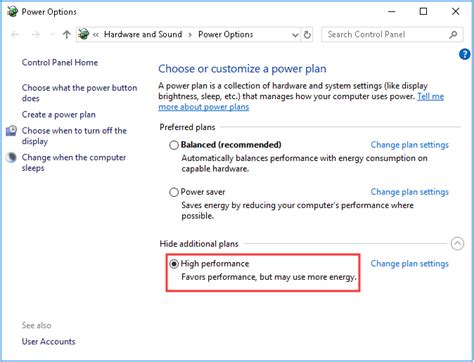
Unlock your PC’s full gaming potential by implementing these essential Windows optimization tips designed to boost your Frames Per Second (FPS) and enhance overall gameplay smoothness.

Deciding whether to upgrade your GPU or CPU first for better framerates in new AAA games depends on your current system’s bottlenecks, game requirements, and budget.

Combat high PC temperatures to unlock better gaming performance and extend hardware lifespan by optimizing CPU and GPU cooling solutions through hardware upgrades and software adjustments.