





How can gamers efficiently filter gaming news for updates on specific titles?
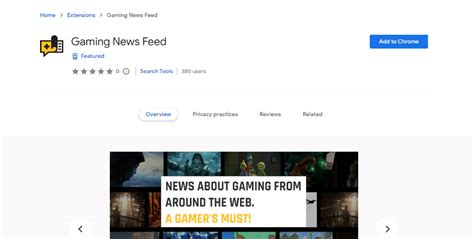
The gaming world is a dynamic landscape, constantly flooded with new announcements, patches, and community discussions. For dedicated players seeking updates on specific titles, this deluge of information can quickly become overwhelming. Sifting through general gaming news to find relevant snippets about a beloved RPG or an upcoming competitive shooter requires a strategic approach.
Navigating the Information Overload
The sheer volume of gaming news across various platforms – websites, social media, forums, and video channels – makes it challenging to pinpoint information about a single game. Efficient filtering is not just about saving time; it’s about ensuring you don’t miss crucial updates that could impact your gameplay experience.

Leveraging Specialized Gaming News Platforms
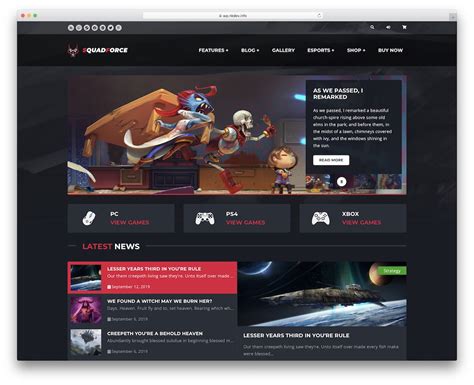
Many major gaming news websites offer categories, tags, or search functionalities that allow users to narrow down content by game title, genre, or platform. Become familiar with these features. Some dedicated fan sites or wikis for specific games are goldmines, providing highly curated and detailed updates directly from the community and developers.
Consider using mobile apps from reputable gaming news outlets. Many of these apps allow you to customize your feed by following specific games or publishers, pushing relevant notifications directly to your device.
Harnessing the Power of RSS Feeds and Social Media
RSS (Really Simple Syndication) feeds remain a powerful, albeit often overlooked, tool. If a gaming news site or developer blog offers an RSS feed, you can subscribe to it using an RSS reader. This aggregates all new articles into a single stream, and many readers allow you to set up filters based on keywords (e.g., your game title).
Social media platforms like Twitter, Reddit, and Facebook are also invaluable. On Twitter, follow official game accounts, developers, publishers, and respected community members. Create Twitter Lists for your specific games to see only their updates. On Reddit, subscribe to dedicated subreddits for your titles; these are often moderated and provide focused discussions and news.

Setting Up Automated Alerts and Custom Searches
Google Alerts can be configured to send you email notifications whenever new web content appears for specific keywords, such as your game title plus “news” or “update.” This can catch articles from smaller sites or forum posts you might otherwise miss.
Regularly using specific search queries on Google or DuckDuckGo can also yield results. Combine the game title with terms like “patch notes,” “dev update,” “community news,” or “roadmap.” Saving these searches can streamline your process.
Engaging with Dedicated Communities
For the most current and in-depth discussions, nothing beats a game’s official forums, Discord servers, or community-run wikis. Developers frequently post announcements directly in these spaces, and active community members often act as excellent aggregators of information from various sources.
YouTube channels dedicated to specific games or content creators who frequently cover your titles can also be a good source of digestible updates, often with added commentary and analysis.
Optimizing Your Filtering Strategy
The most efficient approach often involves combining several methods. For instance, use RSS for broad coverage, Twitter lists for real-time announcements, and dedicated subreddits for in-depth community discussions.
Periodically review your chosen sources. Unfollow accounts that provide too much irrelevant content and add new, reliable sources as they emerge. Consistency in your filtering routine will ensure you stay ahead of the curve without feeling swamped.
By implementing a structured approach to news consumption, gamers can transform the daunting task of sifting through endless articles into an efficient, rewarding process. Tailoring your news sources and leveraging filtering tools empowers you to stay perfectly informed about your favorite titles, enhancing your overall gaming experience.



