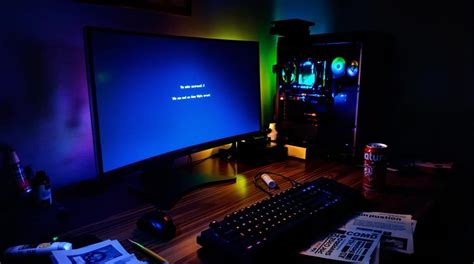
Gaming PC overheating: Best tips for airflow & preventing thermal throttling?
Discover the best strategies and essential tips to optimize your gaming PC’s airflow and effectively prevent thermal throttling for peak performance and longevity.
News, Guides, and Everything Gaming.






Discover the best strategies and essential tips to optimize your gaming PC’s airflow and effectively prevent thermal throttling for peak performance and longevity.

Discover effective strategies to improve your gaming PC’s airflow and significantly reduce temperatures, leading to enhanced frame rates and extended component lifespan.

Proper cable management and optimized airflow are crucial for a high-performing and long-lasting gaming PC, preventing overheating and ensuring system stability.
Discover effective strategies and practical tips to dramatically improve your PC’s internal airflow, leading to significantly lower temperatures during intense gaming sessions and a much quieter system overall.

Prevent your gaming PC from overheating and optimize performance by implementing these three essential tips for improving CPU and GPU cooling airflow.

Effective cable management in a gaming PC not only enhances its visual appeal but also significantly improves internal airflow, leading to better cooling and system performance.
Discover the common reasons why your gaming PC might be overheating and learn practical tips to improve its airflow and cooling efficiency for better performance and longevity.