Aging gaming PC struggling? Best upgrade path for new AAA games at 1440p/1080p?
Discover the best upgrade strategies for your aging gaming PC to conquer new AAA titles at 1080p or 1440p resolutions, focusing on key components like GPU, CPU, and RAM.
News, Guides, and Everything Gaming.






Discover the best upgrade strategies for your aging gaming PC to conquer new AAA titles at 1080p or 1440p resolutions, focusing on key components like GPU, CPU, and RAM.
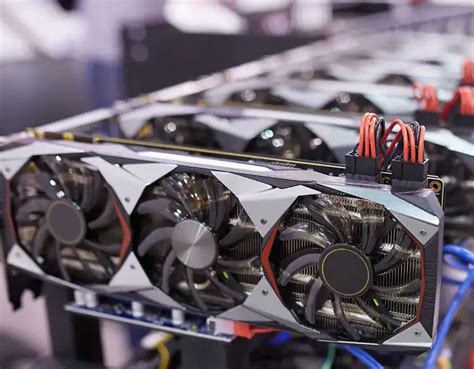
Deciding whether to upgrade your CPU or GPU first depends on your current system’s specifications, the games you play, and the resolution you target, as each component plays a distinct role in gaming performance.
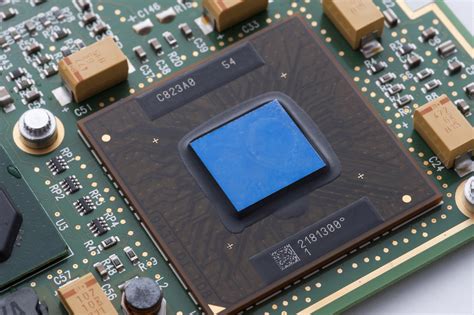
Delve into the perennial question for 1440p gamers: does upgrading your CPU or GPU yield the most significant frame rate boost, and how can you make the right choice for your system?

Navigating the upgrade path for better 1440p gaming performance often comes down to choosing between a new GPU and a new CPU, a decision that hinges on your current system’s capabilities and the games you play.
Deciding whether to upgrade your CPU or GPU first for optimal 1440p gaming performance hinges on identifying your system’s current bottleneck through careful monitoring.

Understanding which core component – your Graphics Card (GPU), Central Processing Unit (CPU), or Random Access Memory (RAM) – provides the most significant boost to gaming frame rates is crucial for any effective PC upgrade strategy.
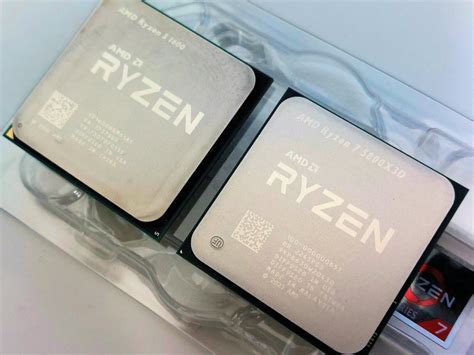
Deciding whether to upgrade your CPU or GPU first for optimal 1440p gaming performance depends on your current system, the games you play, and identifying the primary bottleneck.