
Gaming PC slow? How to optimize Windows for better FPS in new titles.
Unlock your gaming PC’s full potential by optimizing Windows settings, drivers, and background processes to achieve smoother gameplay and higher FPS in the latest titles.
News, Guides, and Everything Gaming.





Unlock your gaming PC’s full potential by optimizing Windows settings, drivers, and background processes to achieve smoother gameplay and higher FPS in the latest titles.
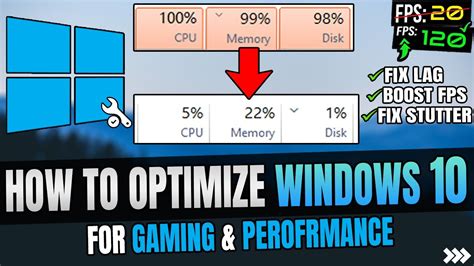
Discover key Windows 10 features and services to disable or adjust for significantly boosting your in-game frame rates and overall gaming performance.

Experiencing frustrating FPS drops in new games? This comprehensive guide outlines the essential driver updates—graphics, chipset, and audio—and best practices to optimize your PC for peak gaming performance and smooth gameplay.

Sudden FPS drops can be frustrating for PC gamers, but often stem from common hardware, software, or system issues that can be resolved with targeted troubleshooting steps.

Combat frustrating game stuttering by optimizing your GPU drivers, from clean installations to fine-tuning in-driver settings for consistently smooth frame rates.

Learn to identify and resolve common causes of micro-stuttering to achieve consistently smoother and more enjoyable PC gaming experiences.

Discover effective strategies to significantly boost your gaming frame rates without the need to upgrade your graphics card, focusing on software optimization, in-game settings, hardware configuration, and system maintenance.

Discover effective strategies to significantly improve your in-game frame rates for new AAA titles without the need for an expensive graphics card upgrade.

Achieving maximum FPS in competitive games requires meticulous optimization of your GPU settings, both globally through your graphics software and individually within each game.
Discover effective strategies and tweaks to significantly boost your gaming PC’s frame rates without the need for a costly graphics card upgrade, focusing on software, system, and in-game settings.