
FPS drops in games? How to optimize GPU drivers for max gaming performance.
Learn how to diagnose and resolve FPS drops by effectively optimizing your GPU drivers for maximum gaming performance and a smoother experience.
News, Guides, and Everything Gaming.






Learn how to diagnose and resolve FPS drops by effectively optimizing your GPU drivers for maximum gaming performance and a smoother experience.
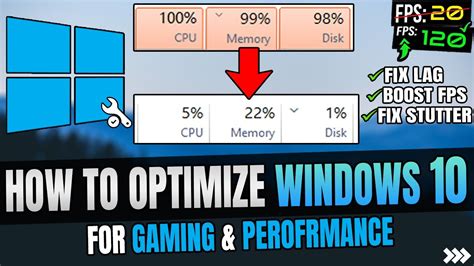
Discover key Windows 10 features and services to disable or adjust for significantly boosting your in-game frame rates and overall gaming performance.

Discover the essential Windows 11 settings and tweaks to significantly boost your gaming frame rates and reduce irritating input latency for a smoother, more responsive experience.

Combat frustrating FPS drops in Warzone by meticulously optimizing your GPU settings, graphics drivers, and in-game options for peak performance and smoother gameplay.
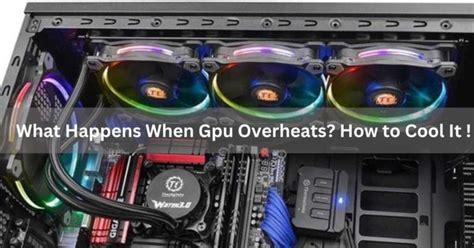
Discover effective strategies to prevent PC overheating during gaming, including cleaning, hardware upgrades, and software optimizations, all designed to improve cooling and significantly boost your in-game FPS.
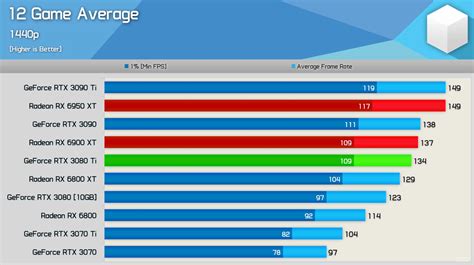
A well-chosen GPU upgrade typically offers the most significant FPS increase for 1440p gaming, though an aging CPU can still become a limiting factor, especially when chasing high refresh rates.
Discover the most impactful Windows settings and in-game adjustments to significantly boost your gaming FPS and enhance overall performance.
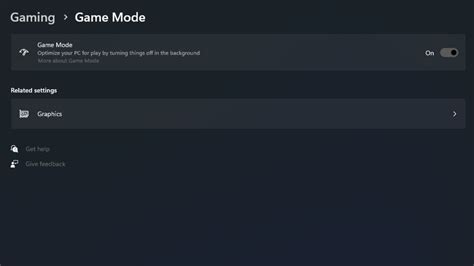
Unlock your gaming PC’s full potential by optimizing Windows 11 settings to achieve maximum frames per second (FPS) for a smoother and more competitive gaming experience.
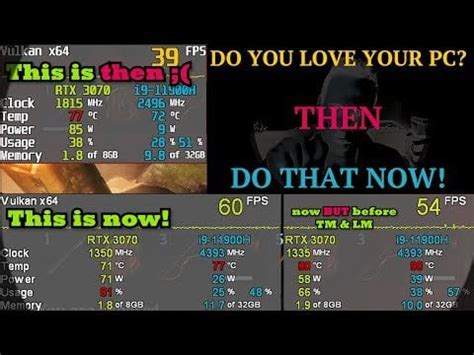
Learn how to diagnose and resolve low FPS issues in modern games, and apply various PC optimization techniques to achieve a consistently smooth 144Hz gaming experience.
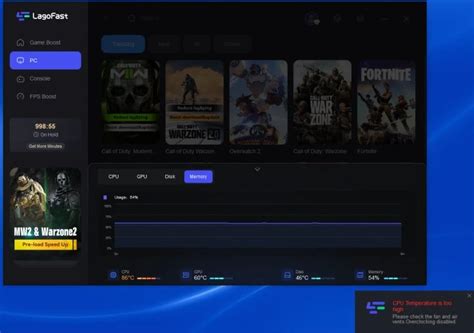
Discover which PC component offers the most significant FPS boost for new games, helping you prioritize your upgrade budget for optimal gaming performance.