
Best GPU upgrade for 1440p gaming? Maximize FPS on a budget build.
Discover the top graphics card recommendations to achieve excellent 1440p gaming performance without breaking the bank, optimizing your budget PC build for maximum frames per second.
News, Guides, and Everything Gaming.






Discover the top graphics card recommendations to achieve excellent 1440p gaming performance without breaking the bank, optimizing your budget PC build for maximum frames per second.
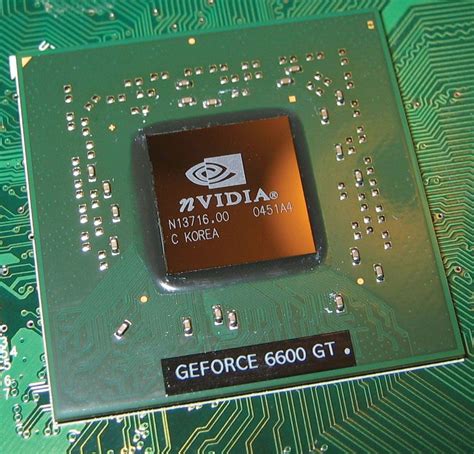
Achieving optimal FPS in demanding PC games requires a strategic approach to GPU settings, balancing visual fidelity with raw performance.

Unlock your PC’s full gaming potential by systematically optimizing Windows settings and fine-tuning your GPU drivers for maximum frames per second and minimal input lag.
To combat low FPS and stuttering in games, focus on optimizing key hardware components like the GPU, CPU, and RAM, along with ensuring efficient storage, adequate cooling, and up-to-date drivers for a significantly smoother gaming experience.
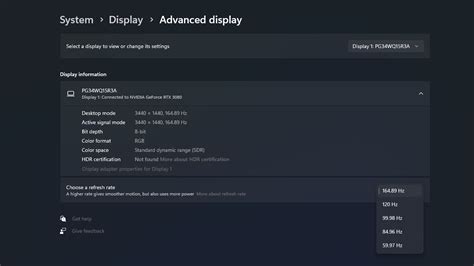
Unlock your PC’s full potential by fine-tuning Windows 11 settings to achieve maximum frames per second in your favorite games.

Optimize your new Ryzen PC build for peak gaming performance by adjusting essential BIOS settings like EXPO/XMP, PBO, Infinity Fabric, and Resizable BAR for significant FPS gains.
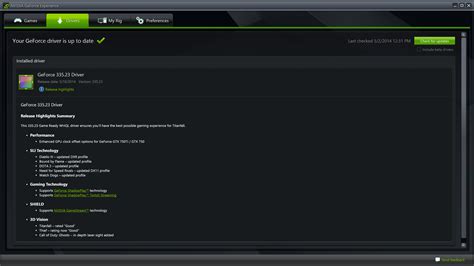
Unlock peak performance in competitive gaming by meticulously optimizing your GPU settings, drivers, and in-game configurations for maximum frames per second.

Learn effective strategies and free software tweaks to significantly improve your gaming PC’s frame rates without investing in new hardware.
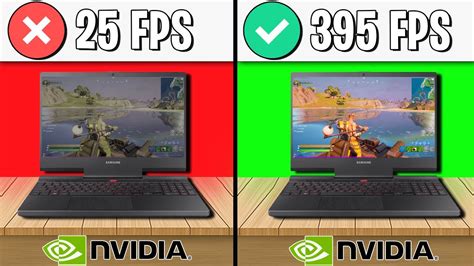
Unlock maximum frame rates in new AAA titles by meticulously optimizing your NVIDIA or AMD GPU settings with this comprehensive guide.
This article explores various software tweaks, system optimizations, and in-game settings adjustments to significantly improve gaming FPS on a mid-range PC without requiring any hardware upgrades.