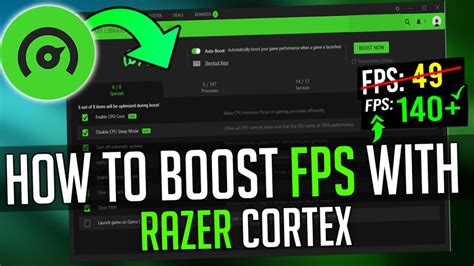
How to boost FPS in modern PC games on older hardware?
Learn practical tips and tricks to significantly improve frame rates and gaming performance on your aging PC hardware without breaking the bank.
News, Guides, and Everything Gaming.






Learn practical tips and tricks to significantly improve frame rates and gaming performance on your aging PC hardware without breaking the bank.
Discover essential tips and configurations to fine-tune Windows 11, ensuring maximum frames per second and minimal input lag for a superior gaming experience.
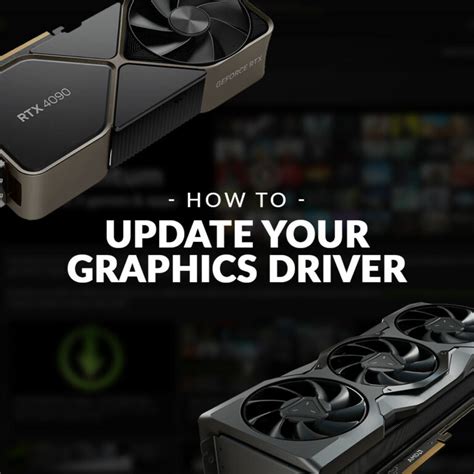
Unlock your PC’s full gaming potential by fine-tuning GPU driver settings for smoother frame rates and more responsive gameplay.

Understanding which core component – your Graphics Card (GPU), Central Processing Unit (CPU), or Random Access Memory (RAM) – provides the most significant boost to gaming frame rates is crucial for any effective PC upgrade strategy.

Optimizing your NVIDIA or AMD graphics driver settings is crucial for maximizing in-game frame rates and ensuring a stable, smooth gaming experience.
Discover how to significantly improve your gaming PC’s frame rates in demanding new AAA games through strategic software adjustments and system tweaks, all without spending money on new hardware.

Unlock the full potential of your mid-range GPU in Windows 11 by systematically optimizing system settings, drivers, and background processes for a significant boost in gaming FPS.

Learn how to fine-tune your PC gaming setup, from hardware choices to software settings, to dramatically reduce input lag and achieve higher frame rates for a smoother, more responsive gaming experience.

Learn how to significantly improve your PC gaming frame rates by optimizing software, settings, and drivers, all without the need for costly hardware upgrades.
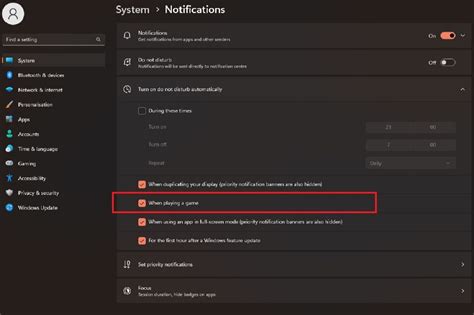
Discover comprehensive strategies, from software tweaks and driver updates to in-game settings and hardware maintenance, to elevate your gaming PC’s performance for peak FPS and an unbeatably smooth experience in the latest titles.