Best in-game and driver settings for max FPS in competitive shooters?
Discover the optimal in-game and graphics driver settings to achieve maximum frames per second (FPS) and gain a competitive edge in your favorite competitive shooter titles.
Optimize your gaming monitor for competitive FPS by understanding and adjusting key settings like refresh rate, response time, adaptive sync, and picture configurations to gain a crucial advantage.
Deciding between a CPU and GPU upgrade for better gaming performance depends on existing hardware, game preferences, and budget, with the goal of eliminating bottlenecks and maximizing FPS.
Discover how to pinpoint and resolve common hardware bottlenecks in your gaming PC to significantly boost your in-game frame rates and overall performance.
Optimize your GPU settings for competitive shooters by prioritizing frame rate and low latency over visual fidelity through specific driver and in-game adjustments to gain a crucial edge.
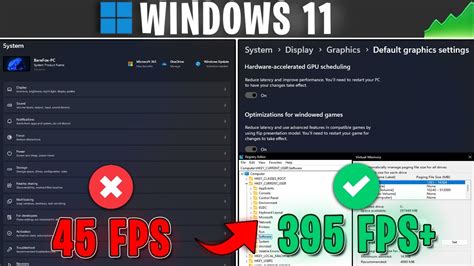
Unlock your PC’s full potential by fine-tuning Windows 11 settings to achieve higher frame rates and reduce input lag for a superior gaming experience.
Achieving maximum FPS in competitive games requires meticulous optimization of your GPU settings, both globally through your graphics software and individually within each game.
Discover the optimal GPU settings to boost your frames per second (FPS) in competitive games while maintaining crucial visual clarity to gain an edge over opponents.
Optimizing your gaming experience hinges on the right GPU drivers, and this article explores the best update methods to achieve peak FPS and system stability.
Discover the common reasons behind game stuttering on Windows 11 and learn how to optimize your system settings, drivers, and hardware configurations to achieve maximum gaming FPS.