What are the best GPU settings for max FPS in competitive games?
Achieving maximum FPS in competitive games is crucial for a smooth and responsive experience, and optimizing your GPU settings is key to unlocking your system’s full potential.
A common frustration for PC gamers, stuttering and FPS drops can be caused by a variety of software or hardware issues, but most can be fixed with systematic troubleshooting.
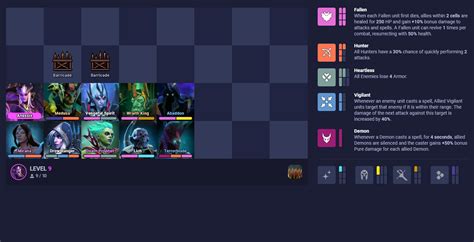
Discover the essential strategies and principles for transforming unique, off-meta builds into powerful, viable options that can lead to success in current ranked competitive environments.
Unlocking prime visibility for independent game developers in crowded marketplaces requires strategic optimization, especially when aiming for coveted features like the Indie Spotlight.
Discover actionable strategies to refine your favorite off-meta build, making it competitive and effective in the current ranked play environment.
Discover essential hardware upgrades, software optimizations, and system maintenance tips to significantly boost FPS and achieve smoother gameplay in your favorite modern PC games.
Learn how to evolve your beloved game build to effectively counter dominant meta strategies that emerge after a new patch, ensuring your unique playstyle remains viable.
While gameplay feedback is crucial, a truly comprehensive gaming review delves into essential technical metrics like performance, graphics, optimization, and sound design to provide a holistic and objective evaluation.
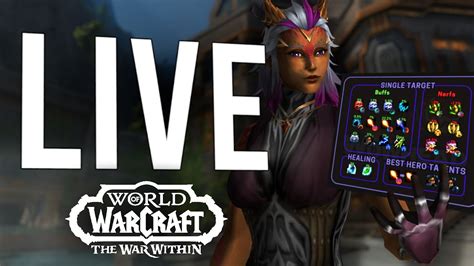
Adapting your DPS raid build post-patch involves understanding meta shifts, re-evaluating gear and talents, practicing new rotations, and continuous testing to maintain peak performance.
Discover effective budget-friendly strategies and builds designed to directly counter the most dominant meta picks in ranked play, empowering you to climb the ladder without breaking your in-game bank.