How to optimize Windows 11 for gaming performance and lower input lag?
Unlock your PC’s full gaming potential by fine-tuning Windows 11 settings to boost frame rates, reduce latency, and provide a smoother, more responsive gaming experience.
News, Guides, and Everything Gaming.






Unlock your PC’s full gaming potential by fine-tuning Windows 11 settings to boost frame rates, reduce latency, and provide a smoother, more responsive gaming experience.

Learn how to identify, diagnose, and effectively eliminate frustrating micro-stutters that can plague your gaming experience, ensuring smoother gameplay.
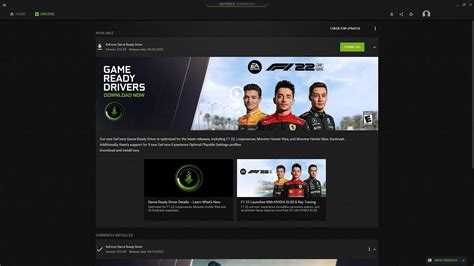
Finding the optimal frequency for GPU driver updates is crucial for balancing peak gaming performance with system stability and avoiding potential issues.
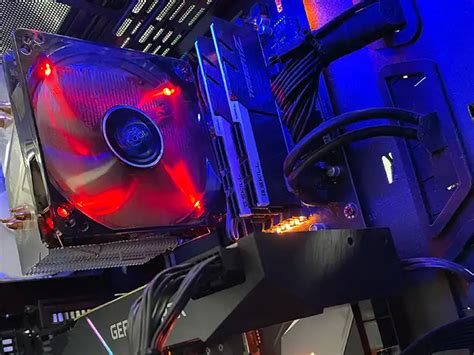
Unlock peak gaming performance by mastering PC cooling optimization, from airflow and component-specific solutions to regular maintenance, effectively preventing thermal throttling.

Diagnosing and resolving low FPS issues in PC gaming requires a systematic approach, from software adjustments to identifying hardware limitations for smoother gameplay.

Learn how to fine-tune NVIDIA Reflex and AMD Anti-Lag settings, alongside other critical system adjustments, to achieve the absolute lowest input latency for a competitive gaming edge.
Unlock your PC’s full gaming potential by fine-tuning GPU driver settings for smoother frame rates and more responsive gameplay.

Optimizing your NVIDIA or AMD graphics driver settings is crucial for maximizing in-game frame rates and ensuring a stable, smooth gaming experience.

Experiencing low FPS in your gaming PC can be frustrating, and pinpointing whether your CPU or GPU is the bottleneck is crucial for effective troubleshooting and upgrades.
Unlock your PC’s full potential by meticulously optimizing Windows 11 settings and configurations for maximum gaming performance and higher frame rates.