Windows gaming optimization: What settings boost FPS most?
Discover the most impactful Windows settings and in-game adjustments to significantly boost your gaming FPS and enhance overall performance.
News, Guides, and Everything Gaming.






Discover the most impactful Windows settings and in-game adjustments to significantly boost your gaming FPS and enhance overall performance.

Aspiring competitive gamers seeking to climb ranks must adopt a structured practice routine that encompasses mechanical skill, game sense, mental fortitude, and a holistic approach to health.
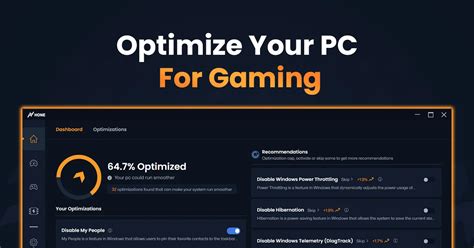
Unlock peak performance in your favorite competitive shooters by fine-tuning GPU settings for maximum frames per second and a smoother, more responsive gaming experience.
Unlock your PC’s full potential by fine-tuning Windows 11 settings to achieve maximum gaming performance and frames per second (FPS).
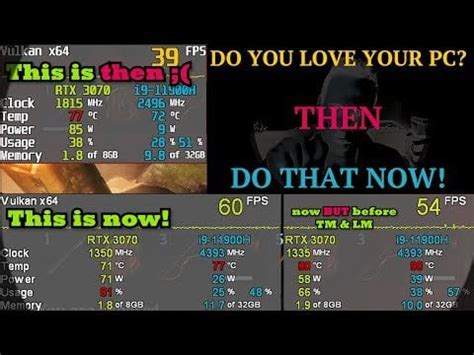
Learn how to diagnose and resolve low FPS issues in modern games, and apply various PC optimization techniques to achieve a consistently smooth 144Hz gaming experience.
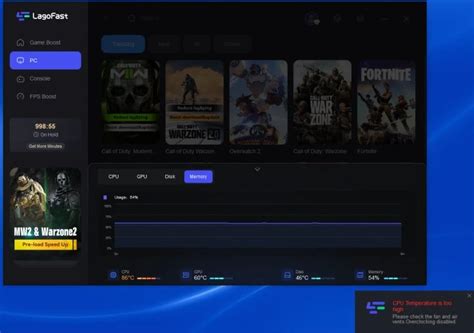
Discover which PC component offers the most significant FPS boost for new games, helping you prioritize your upgrade budget for optimal gaming performance.
Learn how to write timely and impactful gaming performance reviews by mastering preparation, rigorous testing, data analysis, and clear communication to help readers make informed decisions.

Unlock the full potential of your gaming rig by adjusting crucial Windows 11 settings to achieve maximum frames per second and reduce frustrating input lag.
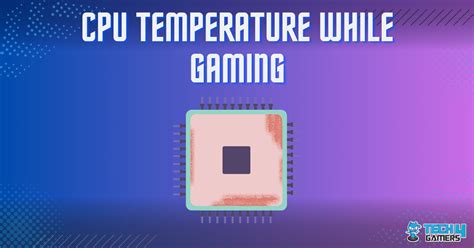
Discover effective strategies and solutions to diagnose and fix high CPU temperatures that are negatively impacting your gaming performance, ensuring a smoother and more stable gaming experience.
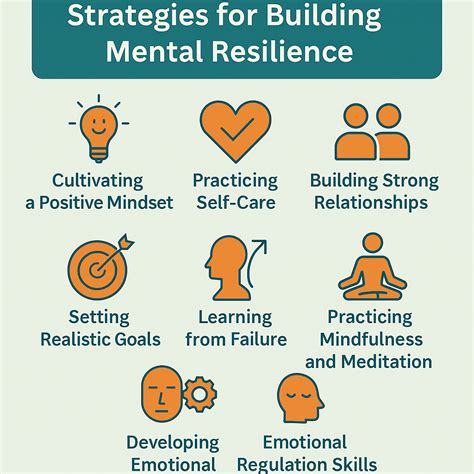
This article explores practical strategies and mindset shifts necessary for competitive gamers to build robust mental resilience, manage pressure, and effectively overcome the debilitating effects of tilt to improve overall performance.