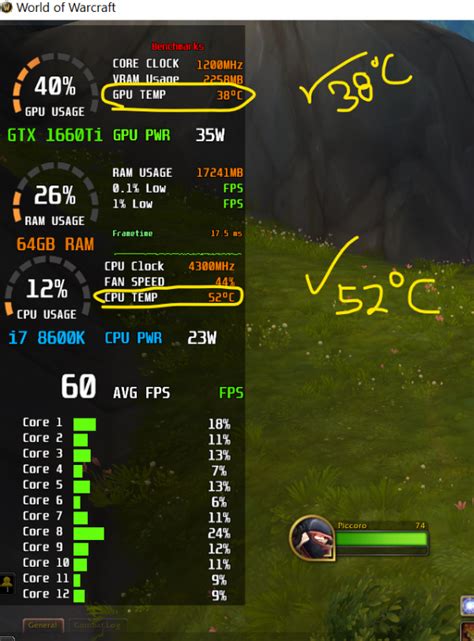
Fixing high GPU temps & preventing thermal throttling?
Learn how to diagnose, fix, and prevent high GPU temperatures and the performance-degrading effects of thermal throttling to keep your graphics card running optimally.
News, Guides, and Everything Gaming.






Learn how to diagnose, fix, and prevent high GPU temperatures and the performance-degrading effects of thermal throttling to keep your graphics card running optimally.
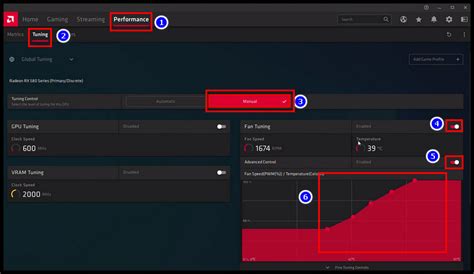
Learn how to customize your GPU fan curve settings to achieve an optimal balance between low temperatures and reduced noise during intense gaming sessions.
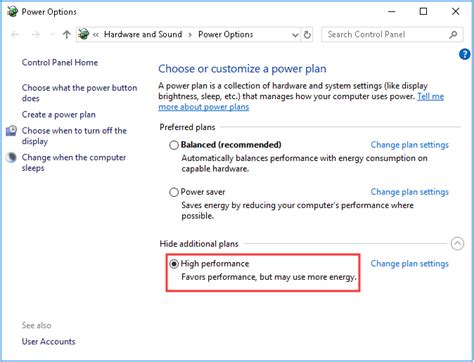
Unlock your PC’s full gaming potential by implementing these essential Windows optimization tips designed to boost your Frames Per Second (FPS) and enhance overall gameplay smoothness.

Deciding whether to upgrade your GPU or CPU first for better framerates in new AAA games depends on your current system’s bottlenecks, game requirements, and budget.

Experiencing PC overheating during Warzone can drastically impact performance and hardware longevity; this guide provides actionable steps to diagnose and fix high CPU and GPU temperatures.
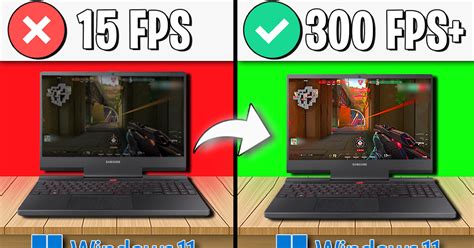
Unlock the full potential of your gaming rig by optimizing Windows 11 settings and system configurations for maximum frames per second and minimal input lag.
Unlock your gaming PC’s full potential by adjusting specific BIOS settings, from enabling XMP to optimizing Resizable BAR, to significantly boost in-game frame rates and overall system responsiveness.
Deciding whether to upgrade your graphics card (GPU) or central processing unit (CPU) first for improved gaming performance depends largely on your current system’s specifications, the types of games you play, and your desired frame rates.

Unlock the full potential of your graphics card for smoother gaming by fine-tuning essential GPU settings in both your driver control panel and in-game options.
Learn how to fine-tune your Windows 10 settings, drivers, and system resources to achieve higher frame rates and reduce input latency for a superior gaming experience.