
What’s bottlenecking my gaming PC’s FPS?
Discover how to identify and resolve performance bottlenecks that are holding back your gaming PC’s frame rates, from CPU and GPU limitations to RAM and storage issues.
News, Guides, and Everything Gaming.






Discover how to identify and resolve performance bottlenecks that are holding back your gaming PC’s frame rates, from CPU and GPU limitations to RAM and storage issues.
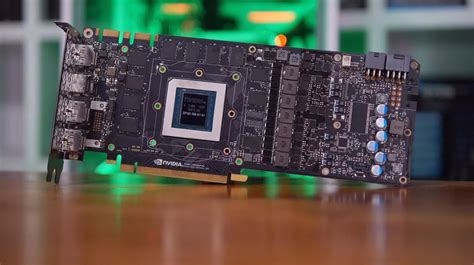
Understanding when your GPU is limiting gaming performance and deciding the optimal time to upgrade requires balancing desired frame rates with your financial constraints.

Diagnosing whether your gaming PC’s lag stems from a CPU, GPU, or RAM bottleneck involves monitoring component usage during gameplay to identify which part is hitting its limits first.
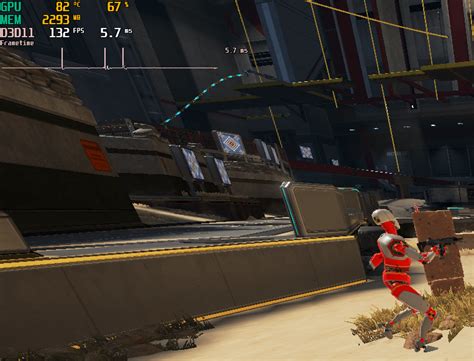
Discover how to diagnose whether your PC’s stuttering in new games is caused by a GPU or CPU bottleneck and learn the steps to resolve it for smoother gameplay.

Uncover the reasons behind frustrating FPS drops in demanding games and learn how to identify whether your CPU or GPU is the bottleneck holding back your gaming performance.

Discover how to identify whether your gaming PC’s performance is limited by its CPU or GPU, and learn the best strategies for upgrading your components to achieve smoother gameplay.

Experiencing low FPS in your gaming PC can be frustrating, and pinpointing whether your CPU or GPU is the bottleneck is crucial for effective troubleshooting and upgrades.

Learn how to diagnose and resolve random FPS drops in your gaming PC by identifying whether your GPU, CPU, or RAM is causing a performance bottleneck.

Discover how to identify if your CPU is limiting your GPU’s potential for gaming, and learn practical steps to check, diagnose, and resolve bottlenecks for smoother gameplay and higher frame rates.
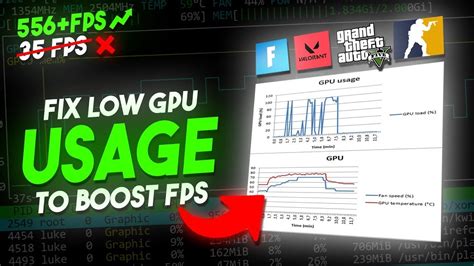
Experiencing low FPS in new games at 1440p often points to a hardware bottleneck, with either your CPU or GPU struggling to keep up, requiring careful diagnosis to optimize performance or plan an upgrade.