
Best GPU drivers for peak gaming performance and stability?
Discover how to choose and manage GPU drivers from NVIDIA, AMD, and Intel to achieve the optimal balance between peak gaming performance and unwavering system stability.
News, Guides, and Everything Gaming.






Discover how to choose and manage GPU drivers from NVIDIA, AMD, and Intel to achieve the optimal balance between peak gaming performance and unwavering system stability.

This article explores whether updating GPU drivers or adjusting in-game graphics settings offers a quicker and more effective solution for resolving common stuttering issues in PC games.
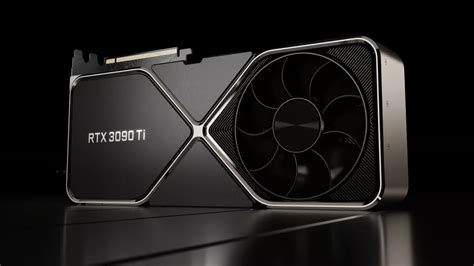
Understanding how to select and update the right GPU drivers from manufacturers like Nvidia and AMD is crucial for maximizing performance in the latest demanding AAA game titles.

Unlock your PC’s full gaming potential by systematically optimizing Windows settings and fine-tuning your GPU drivers for maximum frames per second and minimal input lag.
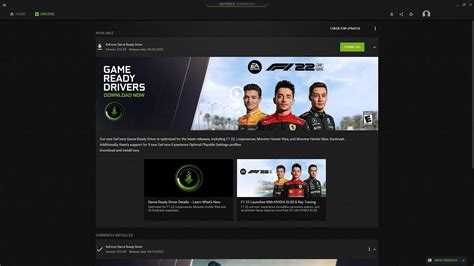
Finding the optimal frequency for GPU driver updates is crucial for balancing peak gaming performance with system stability and avoiding potential issues.

Experiencing frustrating low frame rates in the latest titles? This guide provides comprehensive steps to optimize your game settings and update essential drivers, ensuring you unlock the best possible gaming performance from your current PC hardware.

Learn how to diagnose and resolve common causes of frame rate drops in your gaming PC, from software optimizations to hardware checks.

Game crashes can be incredibly frustrating, and often the culprit lies with outdated or corrupted GPU drivers, which are essential for optimal gaming performance and stability.
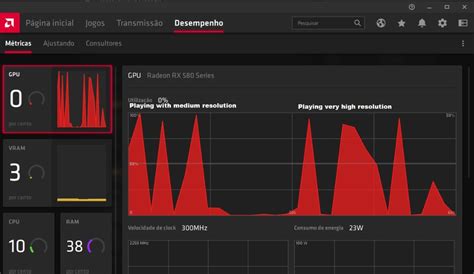
Understanding the optimal frequency for updating your GPU drivers is crucial for maintaining peak gaming performance and stability across all your favorite titles.
Unlock your PC’s full gaming potential by fine-tuning GPU driver settings for smoother frame rates and more responsive gameplay.