How to maximize gaming FPS: essential Windows settings & GPU optimizations?
Boost your gaming frame rate significantly by diving into critical Windows settings and applying advanced GPU optimizations for peak performance.
News, Guides, and Everything Gaming.






Boost your gaming frame rate significantly by diving into critical Windows settings and applying advanced GPU optimizations for peak performance.

Discover how to identify if your CPU is holding back your GPU’s performance in high-refresh gaming and learn solutions to optimize your system for smoother gameplay.

Discover if your current CPU is holding back your new GPU’s potential for smooth 1440p gaming and learn how to identify and address bottlenecks.
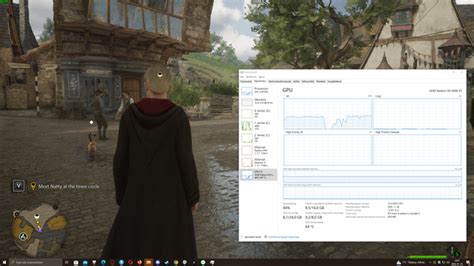
Even with a top-tier graphics card, various underlying hardware and software bottlenecks can cause frustrating FPS drops in games, from CPU limitations to inadequate cooling or outdated drivers.

Achieve peak performance in competitive PC games by fine-tuning Windows and GPU settings for maximum Frames Per Second (FPS) and reduced input lag.