
How to fix low FPS in PC games after driver update?
Discover effective troubleshooting steps to restore your PC gaming performance and fix low FPS issues that often arise after a graphics driver update.
News, Guides, and Everything Gaming.






Discover effective troubleshooting steps to restore your PC gaming performance and fix low FPS issues that often arise after a graphics driver update.

Combat frustrating FPS drops in Warzone by meticulously optimizing your GPU settings, graphics drivers, and in-game options for peak performance and smoother gameplay.

Optimize your new gaming PC from the ground up with these crucial first setup steps designed to maximize frame rates and minimize input lag for the ultimate gaming experience.
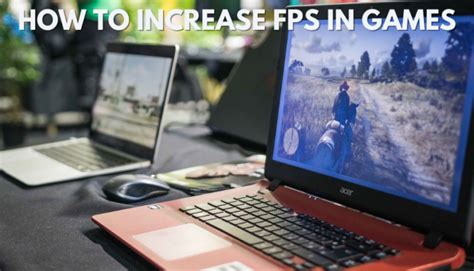
Maximize your frame rates in modern PC games by fine-tuning in-game graphics options, updating drivers, optimizing Windows settings, and making crucial hardware adjustments for a smoother gaming experience.
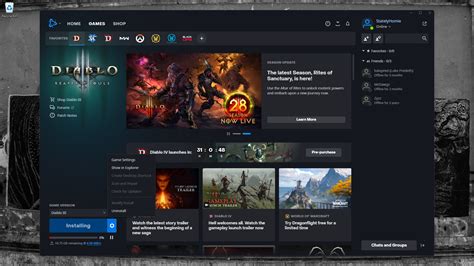
Experiencing lag and stuttering in new PC games can be frustrating, often stemming from common issues like outdated drivers, insufficient hardware, or improper settings.

Unlock your gaming rig’s full potential by fine-tuning these crucial Windows 10 and 11 settings to achieve higher frame rates, reduced latency, and a smoother overall gameplay experience.
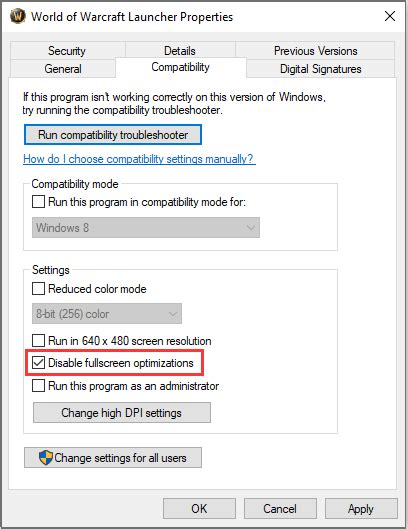
This article provides a comprehensive guide to diagnosing sudden FPS drops in games on your gaming rig, covering common hardware and software culprits and offering step-by-step troubleshooting solutions.
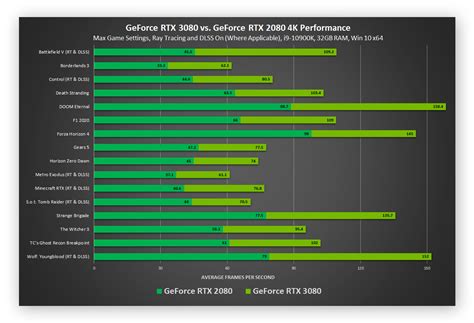
Unlock superior performance in competitive PC games by optimizing your GPU settings, ensuring higher Frames Per Second (FPS) and a significant edge over opponents.