
My gaming PC stutters. How to diagnose & fix FPS drops in-game?
This article guides you through diagnosing and fixing frustrating in-game FPS drops and stutters to restore smooth gaming performance on your PC.
News, Guides, and Everything Gaming.






This article guides you through diagnosing and fixing frustrating in-game FPS drops and stutters to restore smooth gaming performance on your PC.
Learn to systematically diagnose and fix frustrating random FPS drops on your gaming PC by monitoring performance, updating drivers, checking hardware, and optimizing system settings for a smooth gaming experience.
Discover how to systematically diagnose and effectively fix common stability issues that cause your gaming PC to crash under load, ensuring a smooth and reliable gaming experience.

Diagnosing whether your gaming PC’s lag stems from a CPU, GPU, or RAM bottleneck involves monitoring component usage during gameplay to identify which part is hitting its limits first.

Identifying the root cause of low FPS in a gaming PC involves a systematic approach to diagnose hardware bottlenecks, ensuring optimal performance.
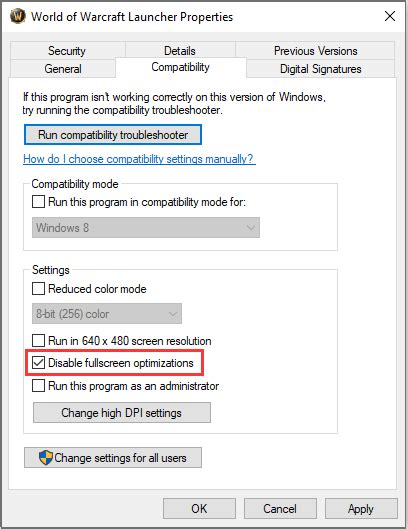
This article provides a comprehensive guide to diagnosing sudden FPS drops in games on your gaming rig, covering common hardware and software culprits and offering step-by-step troubleshooting solutions.
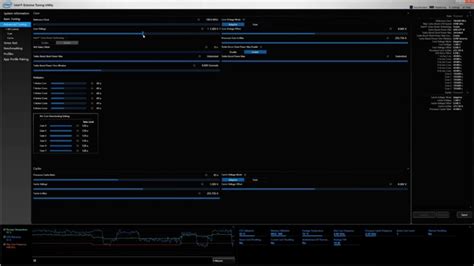
This article guides you through identifying whether your CPU or GPU is limiting your gaming performance and provides clear upgrade strategies to achieve maximum Frames Per Second.