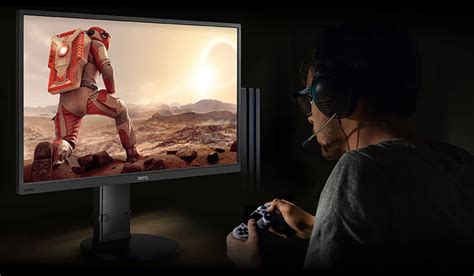
Reduce input lag for competitive online gaming?
Minimizing input lag is crucial for competitive online gaming; this article explores essential hardware, software, and network optimizations to achieve a faster, more responsive gaming experience.
Discover the optimal monitor refresh rate for competitive FPS gaming, balancing performance gains with practical considerations like hardware, cost, and personal perception.
While refresh rate is crucial, competitive esports performance relies heavily on monitor specifications like response time, input lag, panel type, and adaptive sync technologies for a truly responsive experience.
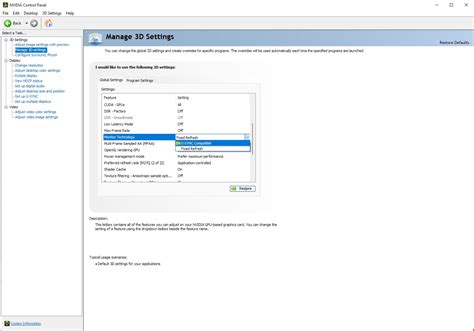
Achieving a smooth, responsive gaming experience requires optimizing input lag and correctly configuring adaptive sync technologies like G-Sync or FreeSync.
Achieving peak performance in competitive gaming requires minimizing input lag across your monitor, mouse, and controller through specific hardware and software configurations to gain a crucial edge.
Achieve optimal performance from your high refresh rate gaming monitor by correctly configuring physical connections, operating system settings, GPU control panel options, and in-game preferences for minimal input lag and buttery-smooth gameplay.
Uncover the ideal monitor refresh rate and response time specifications that give competitive FPS gamers a crucial edge in performance and responsiveness.
Elevate your competitive PC gaming experience by implementing key hardware and software optimizations to significantly reduce input lag and boost your frames per second.
Choosing the optimal monitor setup for competitive FPS involves a nuanced balance between high refresh rates, adaptive sync technologies, and other crucial specifications to maximize performance and minimize input lag.
This article delves into the causes of stuttering in competitive shooters and provides actionable monitor settings to minimize input lag for a smoother, more responsive gaming experience.