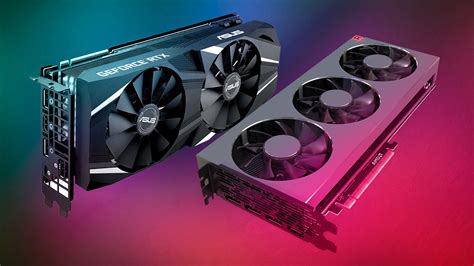
What GPU settings optimize competitive FPS for my gaming monitor?
Uncover the essential GPU settings and display configurations to maximize frame rates and minimize input lag for a competitive edge on your high-refresh-rate gaming monitor.
News, Guides, and Everything Gaming.






Uncover the essential GPU settings and display configurations to maximize frame rates and minimize input lag for a competitive edge on your high-refresh-rate gaming monitor.
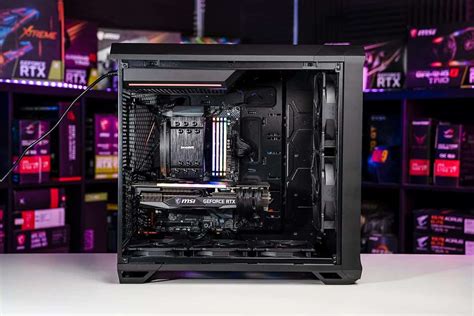
Achieve peak gaming performance by optimizing your PC’s hardware, software, and network settings for higher frame rates and minimal input lag.
Learn cost-effective strategies and setup optimizations to significantly reduce input lag and gain a competitive edge in your favorite games without overspending.
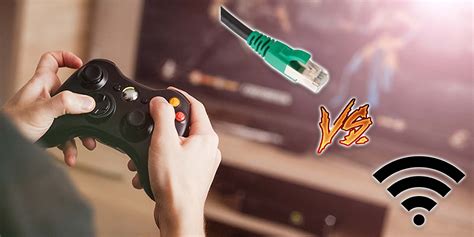
While Ethernet remains the gold standard for competitive online gaming, this article explores advanced Wi-Fi optimization techniques that can significantly reduce latency and enhance the wireless gaming experience.

Achieve peak performance in competitive PC games by fine-tuning Windows and GPU settings for maximum Frames Per Second (FPS) and reduced input lag.