
How to optimize Windows & GPU drivers for max gaming FPS and low latency?
Unlock your PC’s full gaming potential by systematically optimizing Windows settings and fine-tuning your GPU drivers for maximum frames per second and minimal input lag.
News, Guides, and Everything Gaming.






Unlock your PC’s full gaming potential by systematically optimizing Windows settings and fine-tuning your GPU drivers for maximum frames per second and minimal input lag.
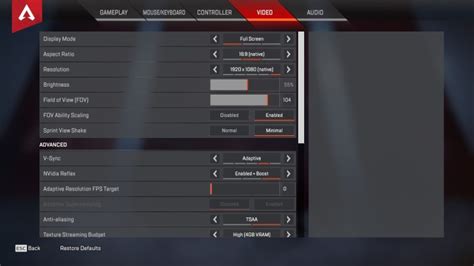
Unlock your peak competitive FPS gaming performance by optimizing NVIDIA Reflex, a revolutionary technology designed to reduce system latency and give you a critical edge.

Discover practical hardware and setup adjustments to significantly reduce high ping and latency, ensuring a smoother online multiplayer gaming experience on your Wi-Fi connection.

Achieving peak performance in competitive gaming requires minimizing input lag across your monitor, mouse, and controller through specific hardware and software configurations to gain a crucial edge.

Achieve peak gaming performance by optimizing your PC hardware, software settings, and peripherals to minimize input latency and gain a competitive edge.

Unlock your PC’s full potential by fine-tuning Windows 11 settings to achieve maximum gaming performance and reduce input latency for a smoother, more responsive experience.
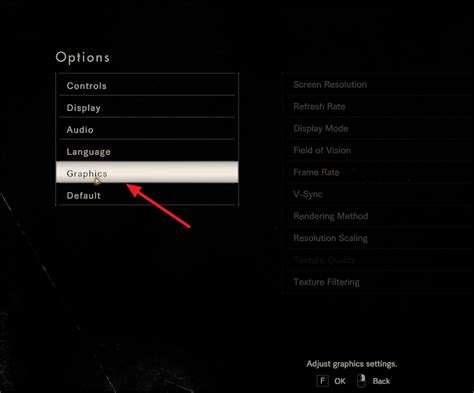
Learn how to fine-tune your Windows 11 system settings, graphics drivers, power options, and network configurations to achieve peak gaming performance and minimize input lag.