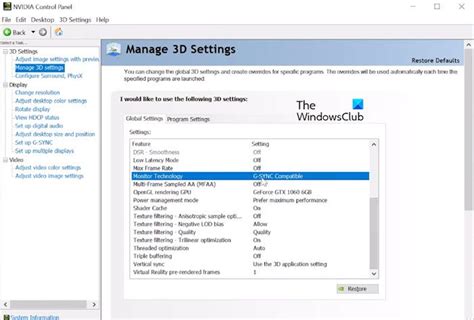
How to enable G-Sync/FreeSync & maximize monitor refresh rates for smoother gaming?
Unlock a more fluid and immersive gaming experience by learning how to properly enable G-Sync or FreeSync and optimize your monitor’s refresh rate settings.
News, Guides, and Everything Gaming.






Unlock a more fluid and immersive gaming experience by learning how to properly enable G-Sync or FreeSync and optimize your monitor’s refresh rate settings.
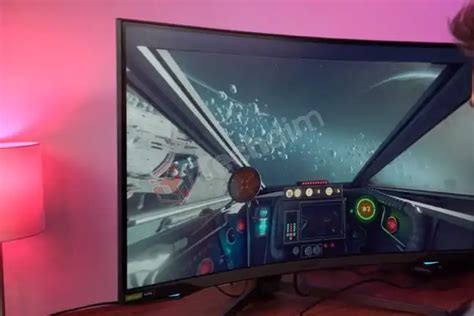
Uncover the ideal monitor refresh rate and resolution settings to gain a crucial advantage in fast-paced competitive FPS games.
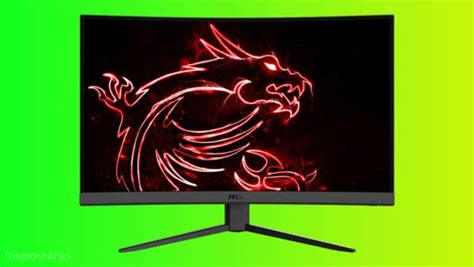
Optimize your gaming setup, hardware, and software settings to minimize input lag and gain a crucial advantage in competitive online games.
Choosing the right monitor refresh rate and panel type is crucial for gaining a competitive edge in fast-paced FPS games, balancing speed, visual fidelity, and response time.

For competitive FPS games, a high monitor refresh rate significantly impacts responsiveness and visual clarity, with 144Hz being a strong baseline and 240Hz or even 360Hz offering further advantages for top-tier players.