
How to fix low FPS in PC games after driver update?
Discover effective troubleshooting steps to restore your PC gaming performance and fix low FPS issues that often arise after a graphics driver update.
News, Guides, and Everything Gaming.






Discover effective troubleshooting steps to restore your PC gaming performance and fix low FPS issues that often arise after a graphics driver update.
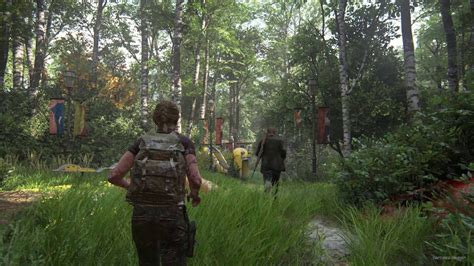
Sudden FPS drops can be frustrating for PC gamers, but often stem from common hardware, software, or system issues that can be resolved with targeted troubleshooting steps.
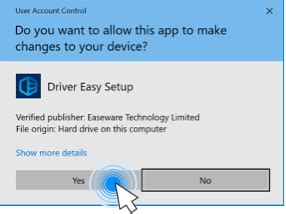
Unlock your PC’s full gaming potential by learning how to meticulously optimize your GPU drivers for maximum frame rates and to eliminate frustrating in-game stutter.

Learn how to significantly improve your frame rates in competitive PC games by adjusting various software and in-game settings, all without the need for a costly GPU upgrade.
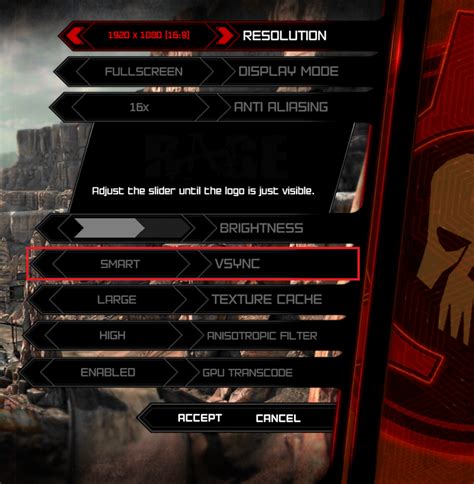
Learn how to enable G-Sync or FreeSync on your gaming monitor and optimize its refresh rate for a tear-free, super smooth, and more responsive PC gaming experience.
Learn to identify and resolve common causes of micro-stuttering to achieve consistently smoother and more enjoyable PC gaming experiences.
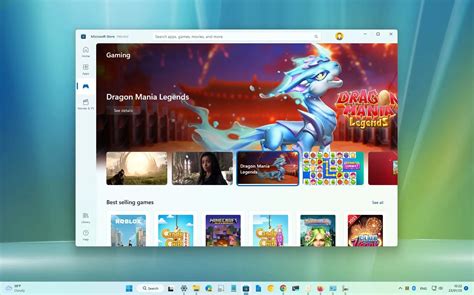
Unlock your PC’s full potential by diving into essential Windows 11 settings and tweaks designed to significantly boost your gaming frame rates and ensure a smoother experience.
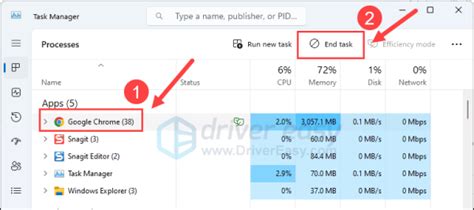
Experiencing sudden and severe FPS drops after a GPU driver update or system patch can be incredibly frustrating; this guide provides comprehensive troubleshooting steps to restore your PC gaming performance.
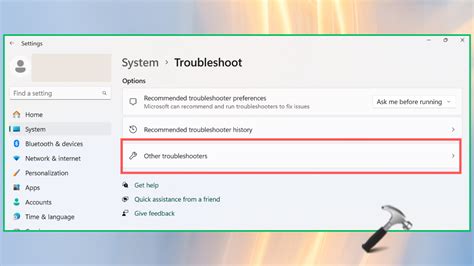
Learn to diagnose and resolve common frame rate drops and stuttering issues in PC gaming with this comprehensive troubleshooting guide.
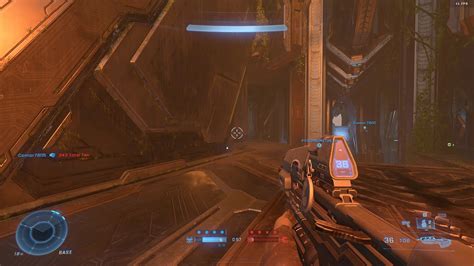
This article provides a comprehensive guide to diagnose and resolve sudden FPS drops that can disrupt your PC gaming experience, covering common software and hardware solutions.