Windows gaming optimization: What settings boost FPS most?
Discover the most impactful Windows settings and in-game adjustments to significantly boost your gaming FPS and enhance overall performance.
News, Guides, and Everything Gaming.






Discover the most impactful Windows settings and in-game adjustments to significantly boost your gaming FPS and enhance overall performance.
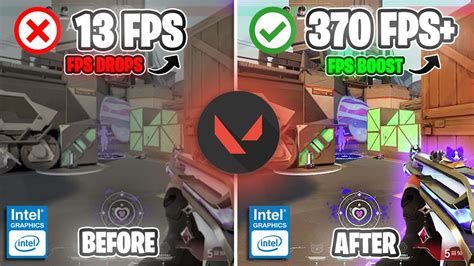
Learn how to fine-tune your PC hardware and in-game settings to significantly reduce input latency and maximize frames per second for a competitive edge in your favorite shooter games.

Discover the optimal in-game and graphics driver settings to achieve maximum frames per second (FPS) and gain a competitive edge in your favorite competitive shooter titles.

Unlock your PC’s full potential in Call of Duty: Warzone by meticulously adjusting in-game, driver, and Windows settings to achieve maximum frames per second and a buttery-smooth competitive experience.
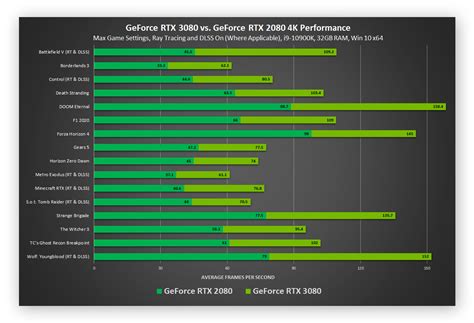
Unlock superior performance in competitive PC games by optimizing your GPU settings, ensuring higher Frames Per Second (FPS) and a significant edge over opponents.
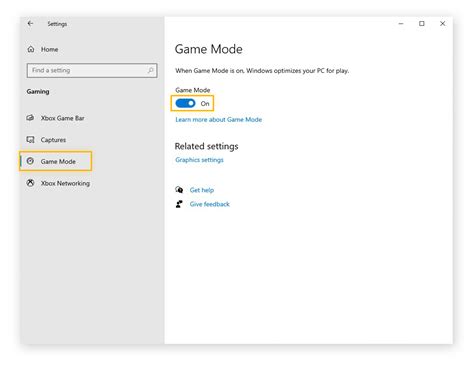
Unlock your competitive edge by meticulously optimizing Windows settings to squeeze every possible frame per second (FPS) from your PC, ensuring smoother gameplay and reduced latency.